
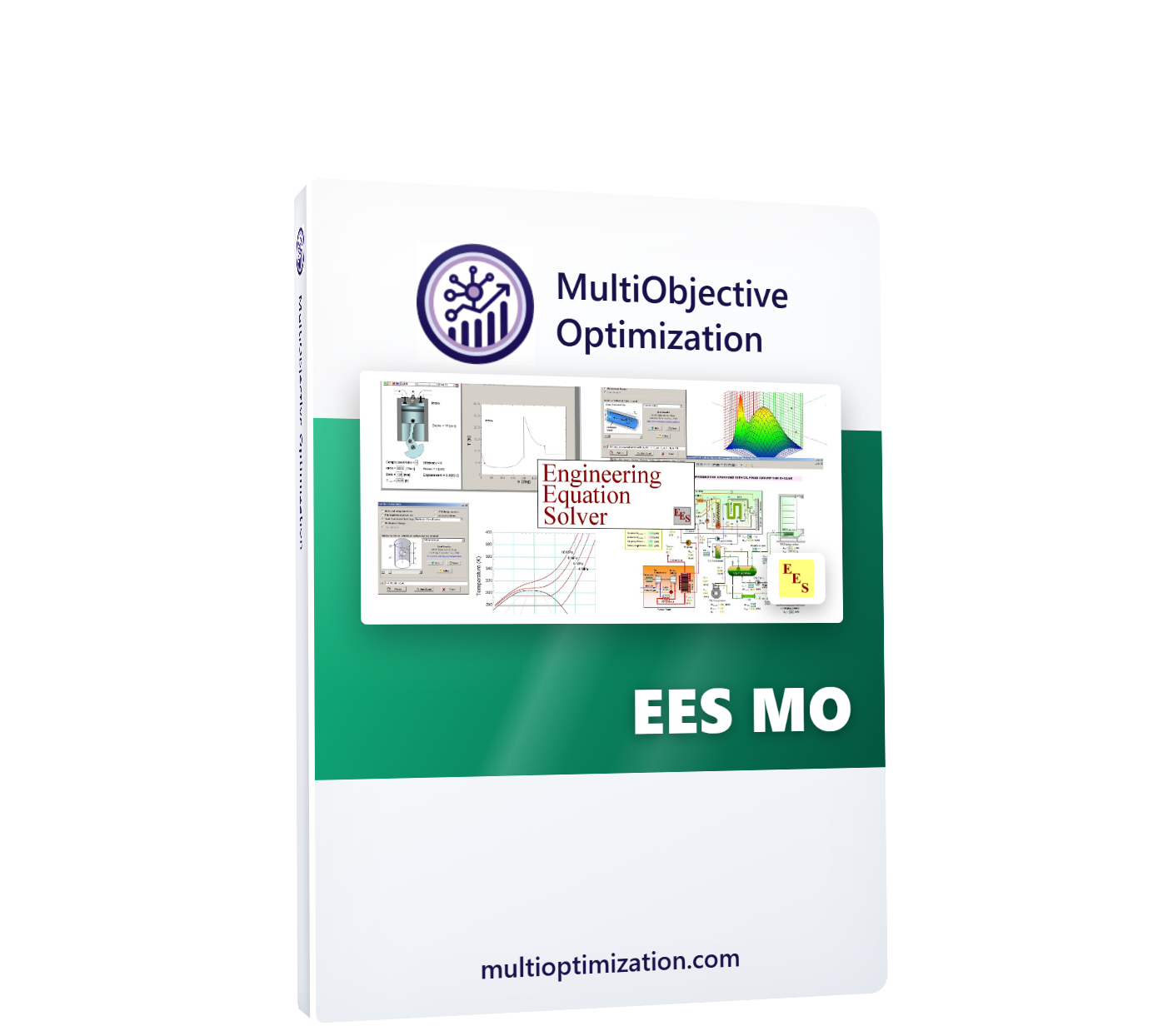



Description
EES MO brings genetic-algorithm and swarm optimization to Engineering Equation Solver — with nothing to install inside EES. Your model reads design variables with $Import and writes objectives with $Export; EES MO handles everything else, running several EES solves simultaneously, each in its own isolated working folder.
What does EES MO do?
It turns any EES model into a multi-objective design study. Give it your model file (a saved .ees binary or a plain-text equation file), the path to EES.exe, and your variable bounds. EES MO writes candidate designs into your input file, calls EES in hidden command-line mode, reads the exported objective values, and evolves the population toward the Pareto front — plotting every solve live. To maximize a quantity like COP, simply export its negative.
Key features
- Zero EES-side setup — no DLL, no add-in, no type: the $Import / $Export directives you already know are the whole interface
- Parallel EES solves — one isolated work folder per core, master model never touched, near-N× speedup on N cores
- 10 algorithms: NSGA-II, NSGA-III, U-NSGA-III, MOPSO, SPEA2, MOEA/D, AGE-MOEA, AGE-MOEA-II, SMS-EMOA, RVEA
- 1–99 objectives, up to 20 design variables, discrete (integer) variables supported
- Never blocks on dialogs — warnings are suppressed automatically, stray dialogs auto-dismissed, hung solves killed and penalized so overnight runs always finish
- Live Pareto plotting with zoom/pan and 2D/3D axis pickers, suggested best design, and Pareto quality metrics
- CSV reports + save/load settings for repeatable studies
- Worked example included: a refrigeration cycle trading compressor power against heat-exchanger size (3 variables, 2 objectives)
What kinds of models can it optimize?
Any EES model whose inputs and outputs you can name: refrigeration and heat-pump cycles, organic Rankine cycles, absorption chillers, solar thermal systems, heat-exchanger networks, and component sizing studies. If EES can solve it, EES MO can optimize it — including models installed in read-only folders, where work files are redirected automatically.
System requirements
| Operating system | Windows 10 / 11 (64-bit) |
| Host software | EES Professional (command-line /solve mode) |
| Python | Not required — the app is fully self-contained |
| Hardware | Multi-core CPU recommended; RAM for N concurrent EES instances |
Inside the app: the five modules
| Setup | EES model file, project directory, EES.exe path, $Import/$Export file names, max solve time, cores, variables with bounds, objectives count, algorithm and parameters — with settings save/load |
| Live Results | Every EES solve plotted the moment it returns, with zoom/pan and 2D/3D axis pickers |
| Final Results | Pareto front, suggested best design, and front-quality metrics |
| Report | Total_Results.csv and Optimized_Results.csv in your project folder (or DocumentsEesMO for read-only installs) |
| Activation | Hardware serial with copy button, license entry, and live license status |
Try EES MO before you buy
Download the free demo and check it against your own model — every product also has a 2-day free trial plan in the picker above, activated in minutes.
How does licensing work?
Pick a plan above, check out, and your license appears instantly under My Account → Software Licenses. Open the app’s Activation tab, copy your computer’s serial number into the license page, and your key is generated on the spot — timed plans start counting from activation, not from purchase, so buying ahead never wastes days. Renewing early always keeps your remaining days.
- Instant delivery — no waiting for a human to email keys
- Free trial available: one per customer, activates in minutes
- Changed computers? We reset your activation and you keep your remaining days
- Lifetime plans never expire and include updates to the same major version

Reviews
There are no reviews yet.