

Description
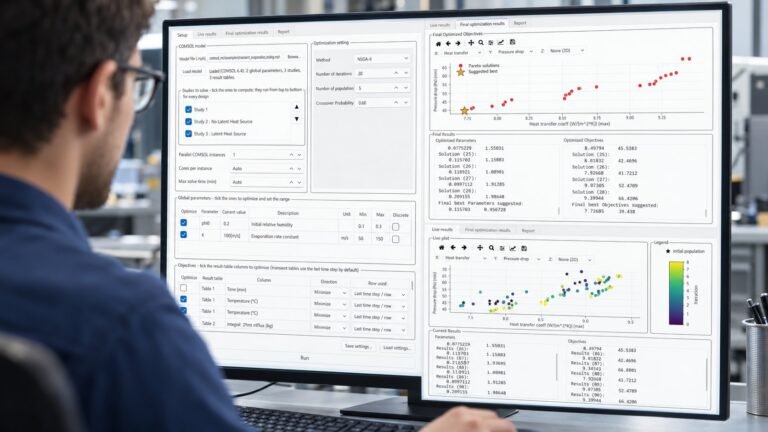
TRNSYS MO wraps your existing TRNSYS deck in a parallel, multi-objective optimization loop. Declare your design variables, choose an algorithm, press Run — the app launches TRNSYS itself on every CPU core, evaluates whole generations of designs simultaneously, and plots the Pareto front live as it evolves.
What does TRNSYS MO do?
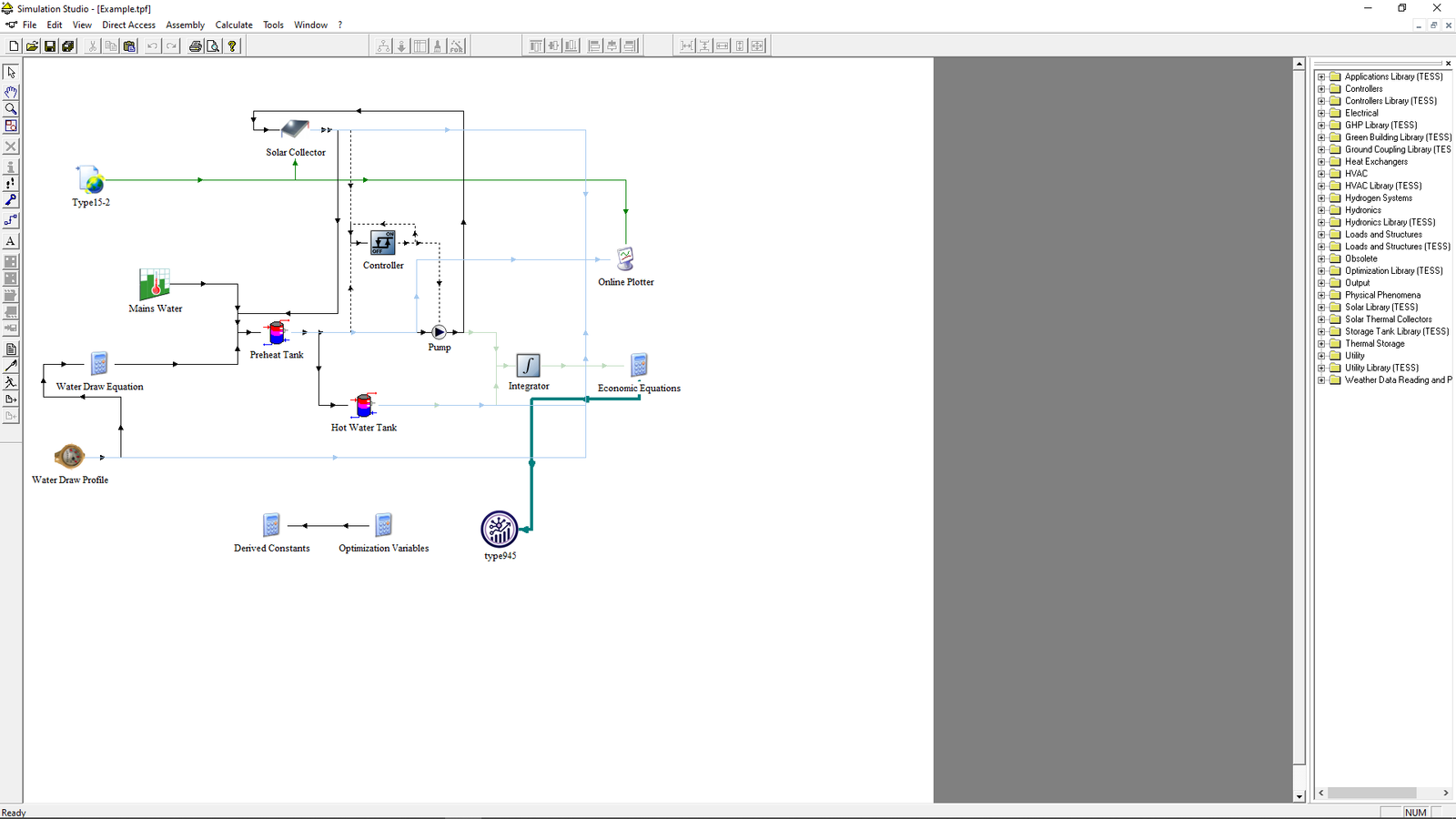
It automates design optimization for any TRNSYS project. You point it at your project folder and deck, mark which inputs are design variables (with bounds, discrete variables supported), tell it how many objectives your deck reports, and pick one of ten algorithms. TRNSYS MO then generates candidate designs, rewrites them into per-core copies of your deck, runs TRNSYS on each one, reads the objective values back, and evolves the population toward the optimal trade-off — no scripting, no GenOpt configuration files, no model rewrites. Projects built with the legacy Type 945/946 are converted automatically.
Key features
- True parallel optimization — each core gets a private copy of your deck; with N cores a run is close to N× faster whenever TRNSYS dominates the runtime
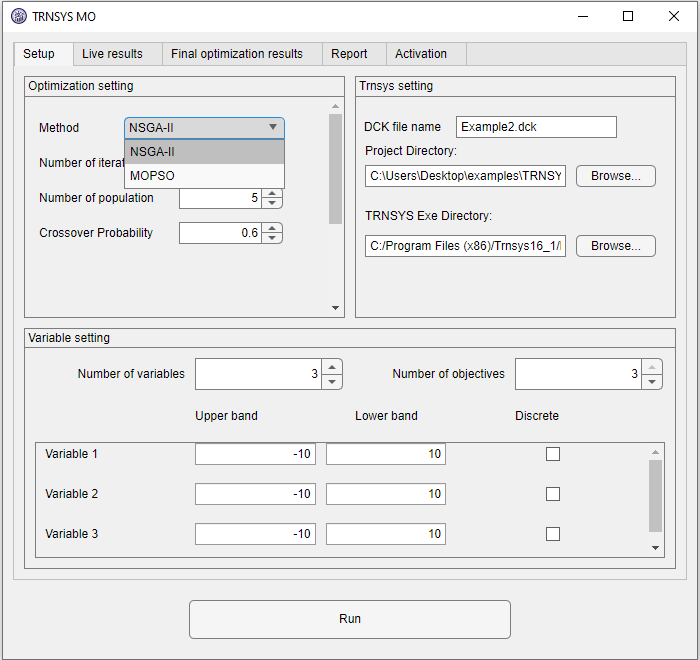
- 10 algorithms: NSGA-II, NSGA-III, U-NSGA-III, MOPSO, SPEA2, MOEA/D, AGE-MOEA, AGE-MOEA-II, SMS-EMOA, RVEA
- Single or multi-objective — from 1 up to 99 simultaneous objectives, with up to 20 design variables
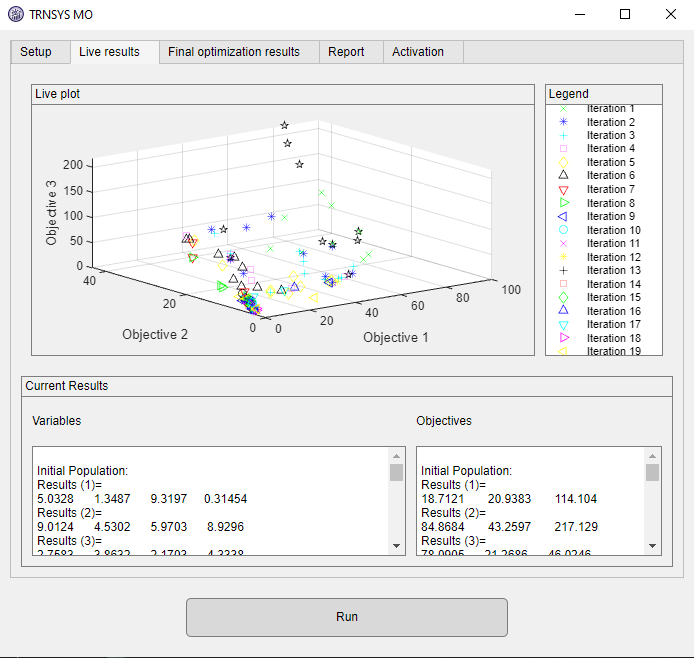
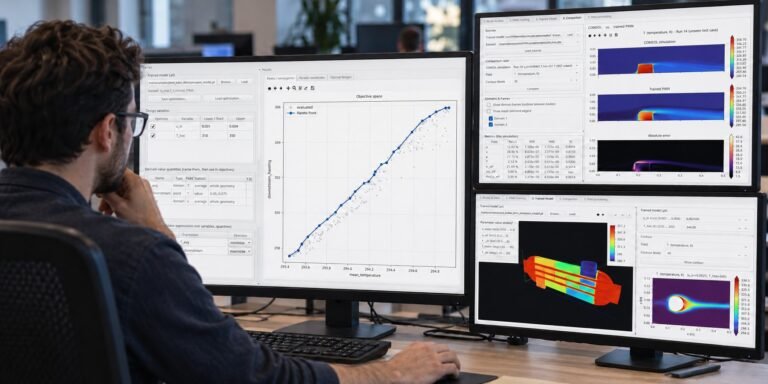
- Live results — every evaluation appears on an interactive plot with zoom, pan, and 2D/3D axis pickers
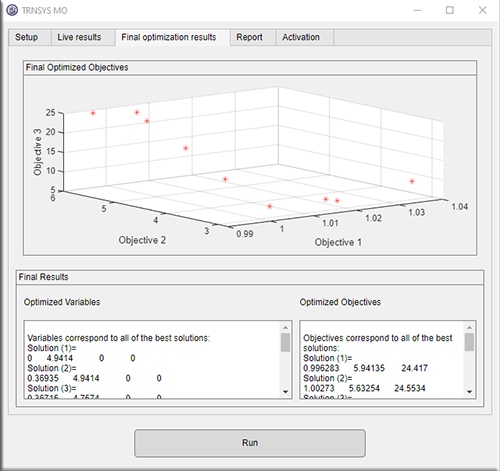
- Pareto front + suggested best design, with quality metrics (spacing, mean ideal distance, maximum spread)
- Robust unattended runs — failed simulations are penalized instead of crashing the run; hung simulations are killed after a time limit; TRNSYS error dialogs are dismissed automatically
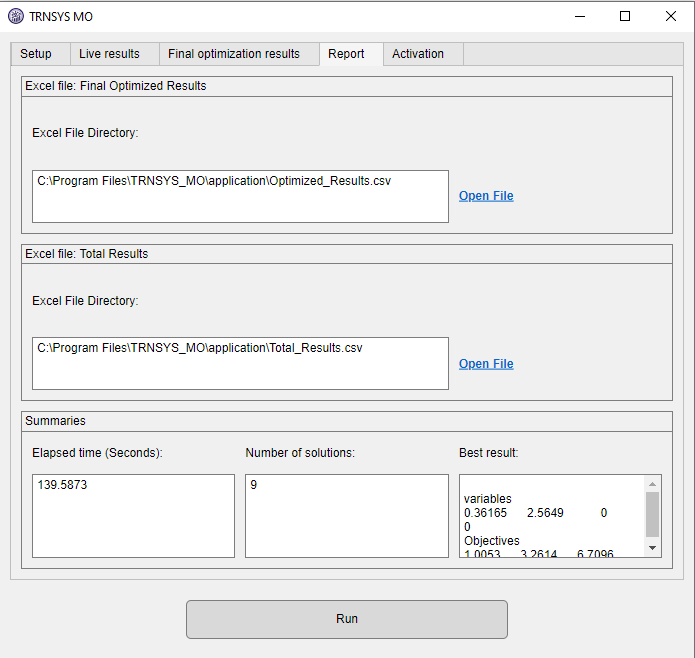
- CSV reports — every evaluated design in Total_Results.csv, the Pareto set in Optimized_Results.csv
- One-click TRNSYS type install — the bundled Type 997 “Multi Optimization Parallel” makes parallel runs safe, installed from inside the app
How is version 2 different from the original TRNSYS MO?
Version 2 is a full rebuild. The original supported two algorithms (NSGA-II and MOPSO) and ran simulations one at a time; version 2 runs whole generations in parallel across your CPU cores and adds eight more research-grade algorithms, single-objective mode, discrete variables, Pareto quality metrics, per-simulation timeouts, and automatic conversion of legacy Type 945/946 projects.
System requirements
| Operating system | Windows 10 / 11 (64-bit) |
| Host software | A licensed TRNSYS installation (TRNExe.exe) |
| Python | Not required — the app is fully self-contained |
| Hardware | Multi-core CPU recommended; enough RAM for N simultaneous TRNSYS instances |
Inside the app: the five modules
| Setup | Project folder, deck file, TRNSYS settings (TRNExe path, number of cores, per-simulation time limit), design variables with bounds and discrete flags, number of objectives, algorithm and its parameters |
| Live Results | Every simulation lands on an interactive plot as it finishes — zoom, pan, 2D/3D axis pickers, colored by iteration |
| Final Results | The Pareto front with the suggested best design highlighted, plus quality metrics (spacing, mean ideal distance, maximum spread) |
| Report | Links to Total_Results.csv (every design) and Optimized_Results.csv (the Pareto set), written into your project folder |
| Activation | Hardware serial with copy button, license entry, license status — plus the one-click Type 997 installer for TRNSYS |
Try TRNSYS MO before you buy
Download the free demo and check it against your own model — every product also has a 2-day free trial plan in the picker above, activated in minutes.
How does licensing work?
Pick a plan above, check out, and your license appears instantly under My Account → Software Licenses. Open the app’s Activation tab, copy your computer’s serial number into the license page, and your key is generated on the spot — timed plans start counting from activation, not from purchase, so buying ahead never wastes days. Renewing early always keeps your remaining days.
- Instant delivery — no waiting for a human to email keys
- Free trial available: one per customer, activates in minutes
- Changed computers? We reset your activation and you keep your remaining days
- Lifetime plans never expire and include updates to the same major version
Reviews
There are no reviews yet.