
Description
CFD AI turns COMSOL simulations into trained neural-network surrogates that reproduce velocity, pressure, and temperature fields in milliseconds — at any boundary-condition values inside the trained range. Training combines your COMSOL solutions with the governing physics (Navier–Stokes, energy) enforced as constraints.
How does the workflow work?
Four steps: generate data (load your .mph, pick the parameters to learn over — CFD AI suggests the number of runs, samples them by Latin Hypercube, and runs COMSOL for you), train (pick an auto-suggested architecture, watch live loss and validation curves, get an automatic accuracy report), explore (contours, 3D views, cross-sections, probes, sweeps, and animations from the surrogate alone — no COMSOL license in the loop), and optimize (16 methods over the trained model, plus a Simulink-style canvas that chains surrogates into whole-system models).
Key features
- Automatic physics detection — laminar and turbulent (RANS) flow, heat transfer, conjugate heat transfer, phase change, two-phase flow; 2D, axisymmetric, and full 3D; steady or transient
- 8 research-grade architectures (MLP, Modified MLP, Fourier features, SIREN, DeepONet, Mesh GNN, MeshGraphNet, PIPN) with the best one auto-suggested — graph networks even learn across geometry-changing parameters
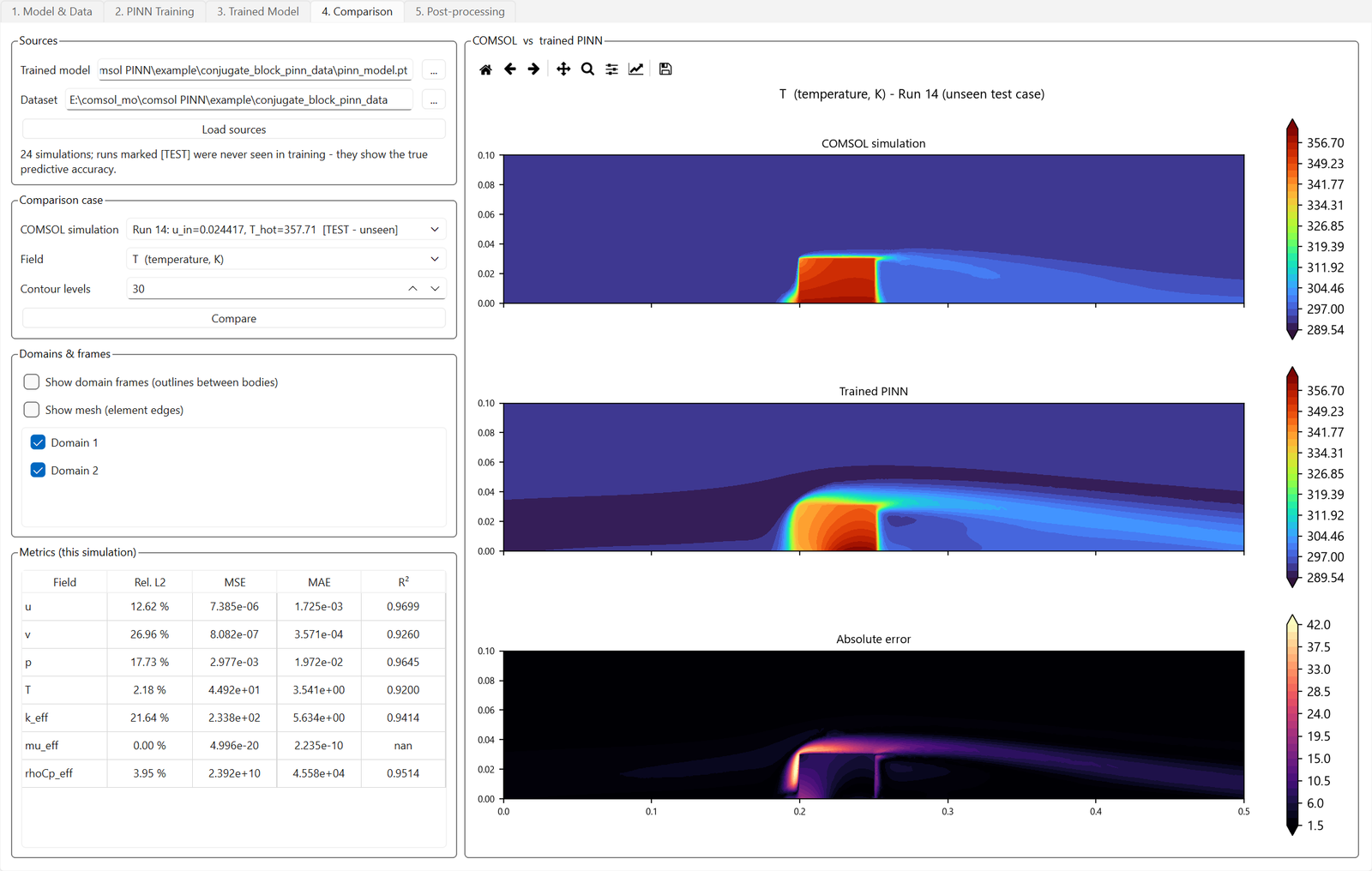
- Honest accuracy reporting — held-out test simulations, per-field relative-L2 and R² metrics, and one-click verification against a fresh COMSOL solve at any operating point
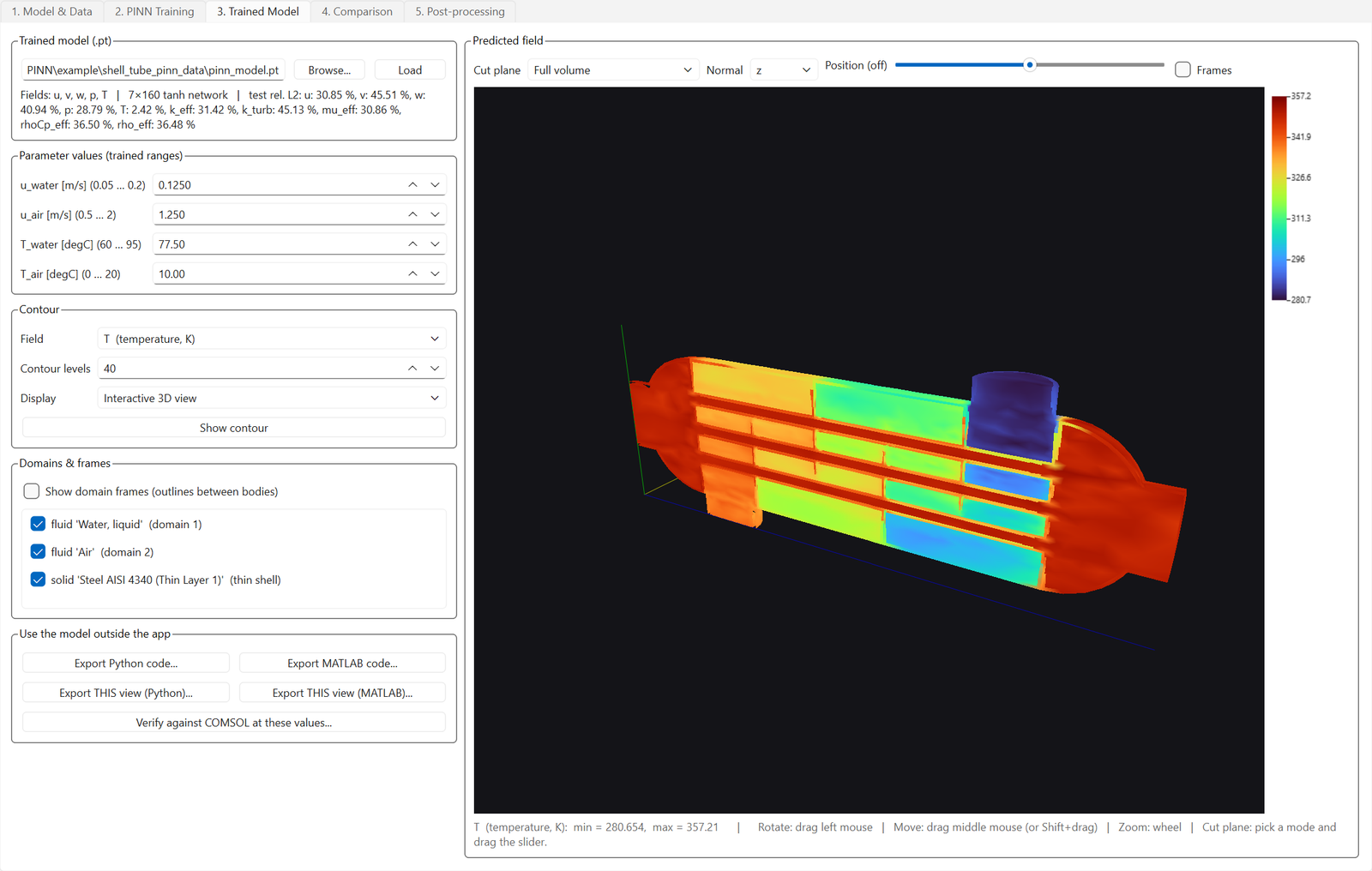
- True 3D viewer on the real COMSOL mesh — rotate, cut planes, slice planes, per-body show/hide, domain outlines
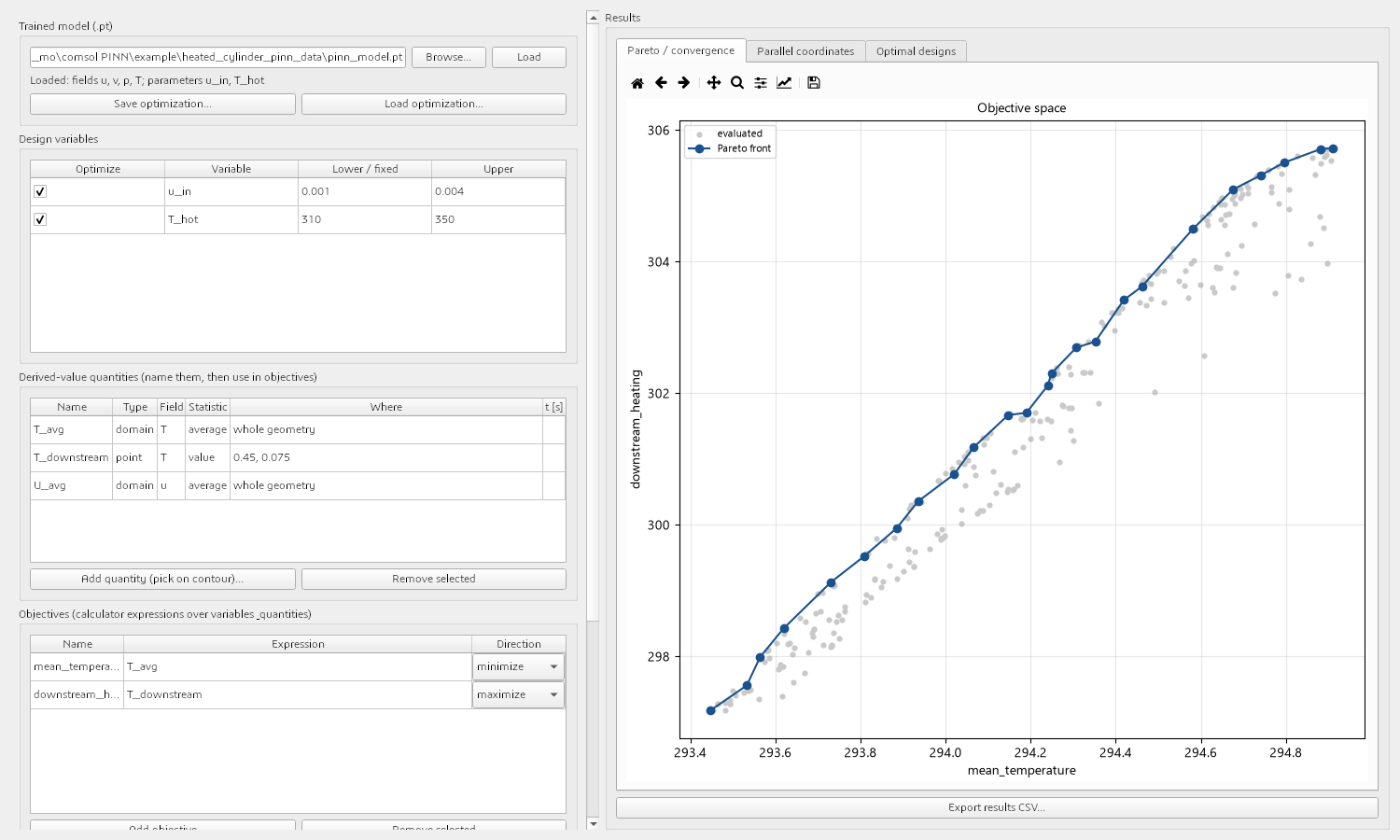
- Built-in optimization — 16 methods: NSGA-II/III, SPEA2, MOEA/D, SMS-EMOA, RVEA, GA, PSO, differential evolution, CMA-ES, pattern search, Nelder-Mead, grid search
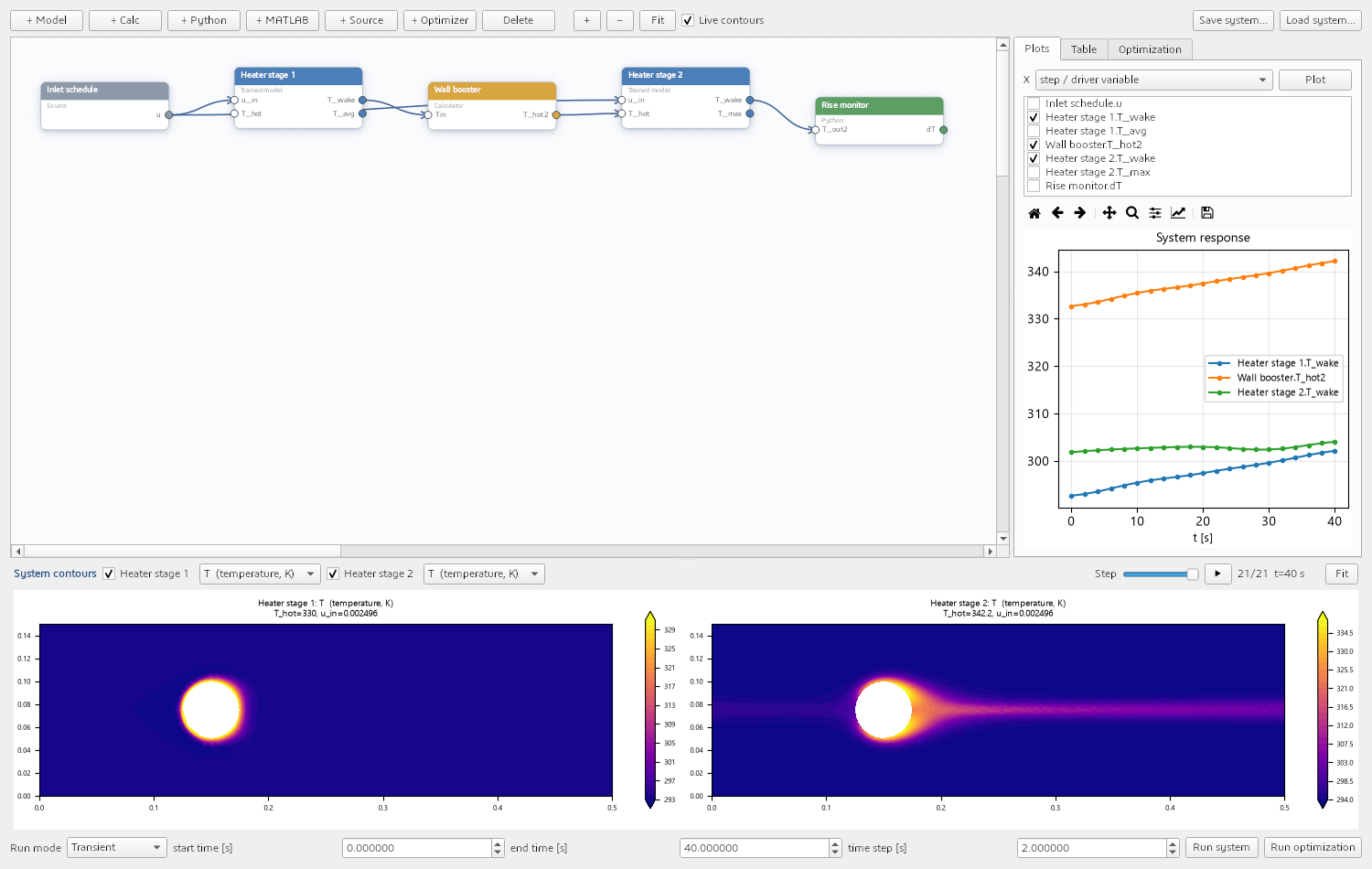
- AI System Design canvas — chain trained surrogates with Python, MATLAB, and calculator blocks into a system diagram; run steady, sweep, or transient; optimize the whole system
- 5 standalone exports — Python, plain MATLAB (no toolboxes), dependency-free C++17 project, Simulink block, and a self-contained interactive HTML page that runs the surrogate in a browser — each with a built-in self-test
- GPU edition bundles CUDA PyTorch for fast training; checkpoints run in either edition
How accurate is it really?
Measured on unseen test cases from the bundled examples — not marketing numbers: a turbulent backward-facing step (k-ε RANS, Re ≈ 50,000) reaches ~1–2% relative error on velocity and 0.02% on temperature; a full-3D shell-and-tube heat exchanger reaches ≈2.4% temperature error from just 14 solves of an 8-minute RANS model. Every example ships with its dataset and trained checkpoint so you can reproduce the metrics yourself.
System requirements
| Operating system | Windows 10 / 11 (64-bit) |
| Host software | COMSOL Multiphysics (tested with 6.4) — needed only to generate training data and verify; training, exploring, optimizing, and exporting need no COMSOL at all |
| GPU | Optional — NVIDIA CUDA GPU accelerates training (GPU edition); CPU edition trains fine |
| Disk | ~0.4 GB standard edition; ~1.9 GB GPU edition |
Inside the app: the seven modules
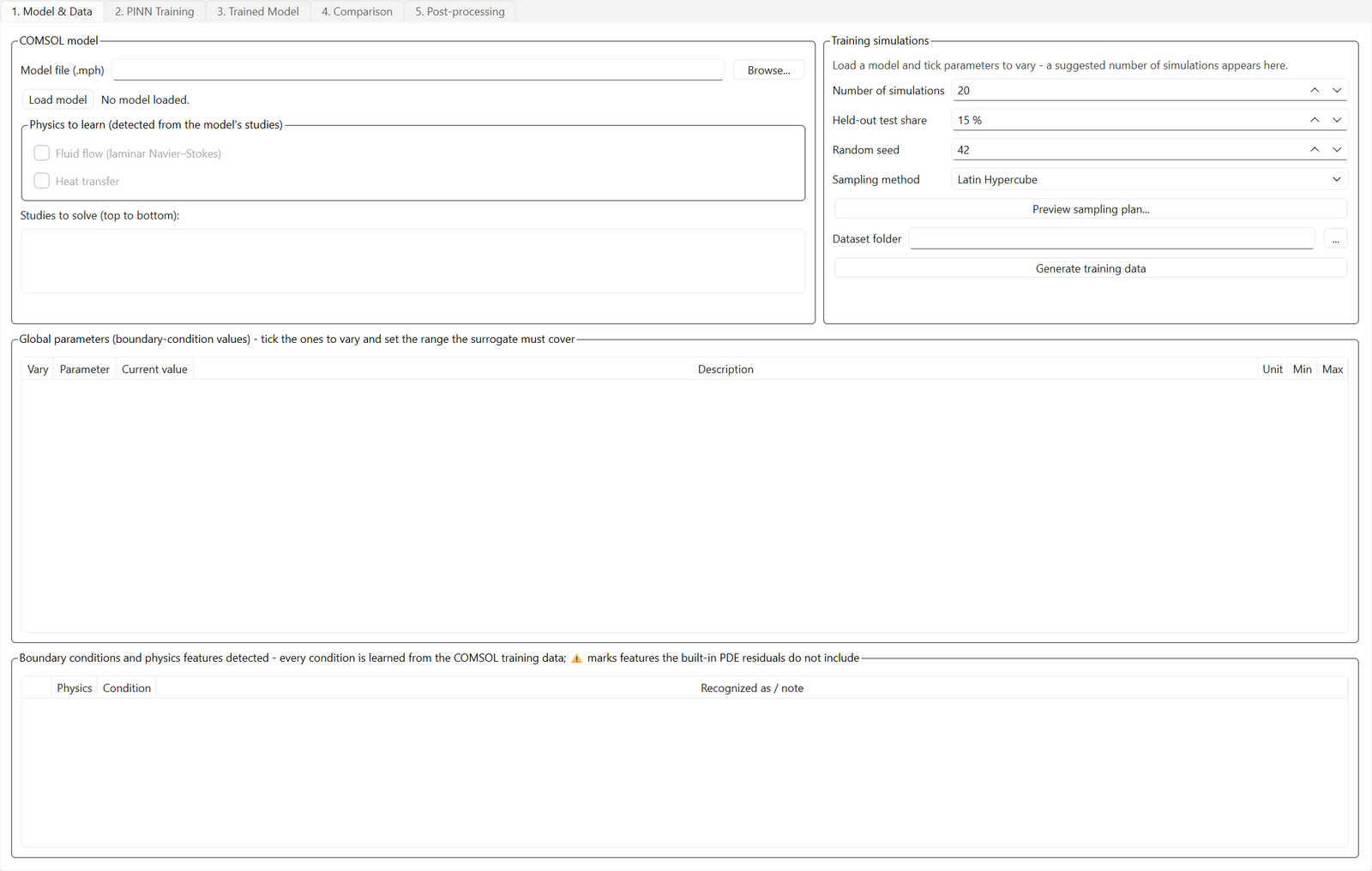
| Model & Data | Load the .mph; physics, turbulence model, boundary conditions and material properties are detected automatically. Pick parameters and ranges — the app suggests the number of runs, samples them by Latin Hypercube, and drives COMSOL to build the dataset |
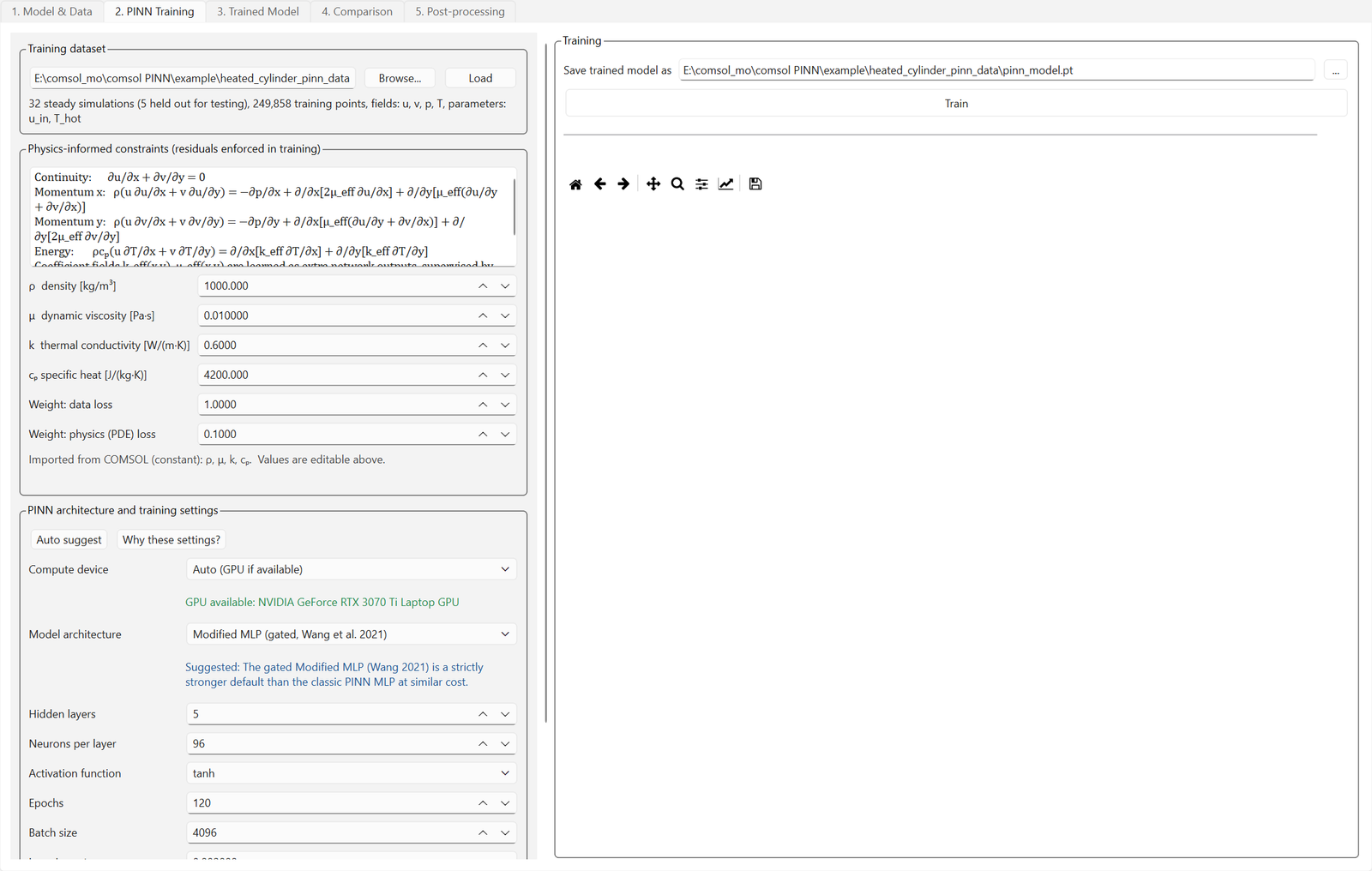
| Training | 8 architectures with the best auto-suggested, live data/physics loss curves, validation split, best-epoch restore, automatic accuracy report |
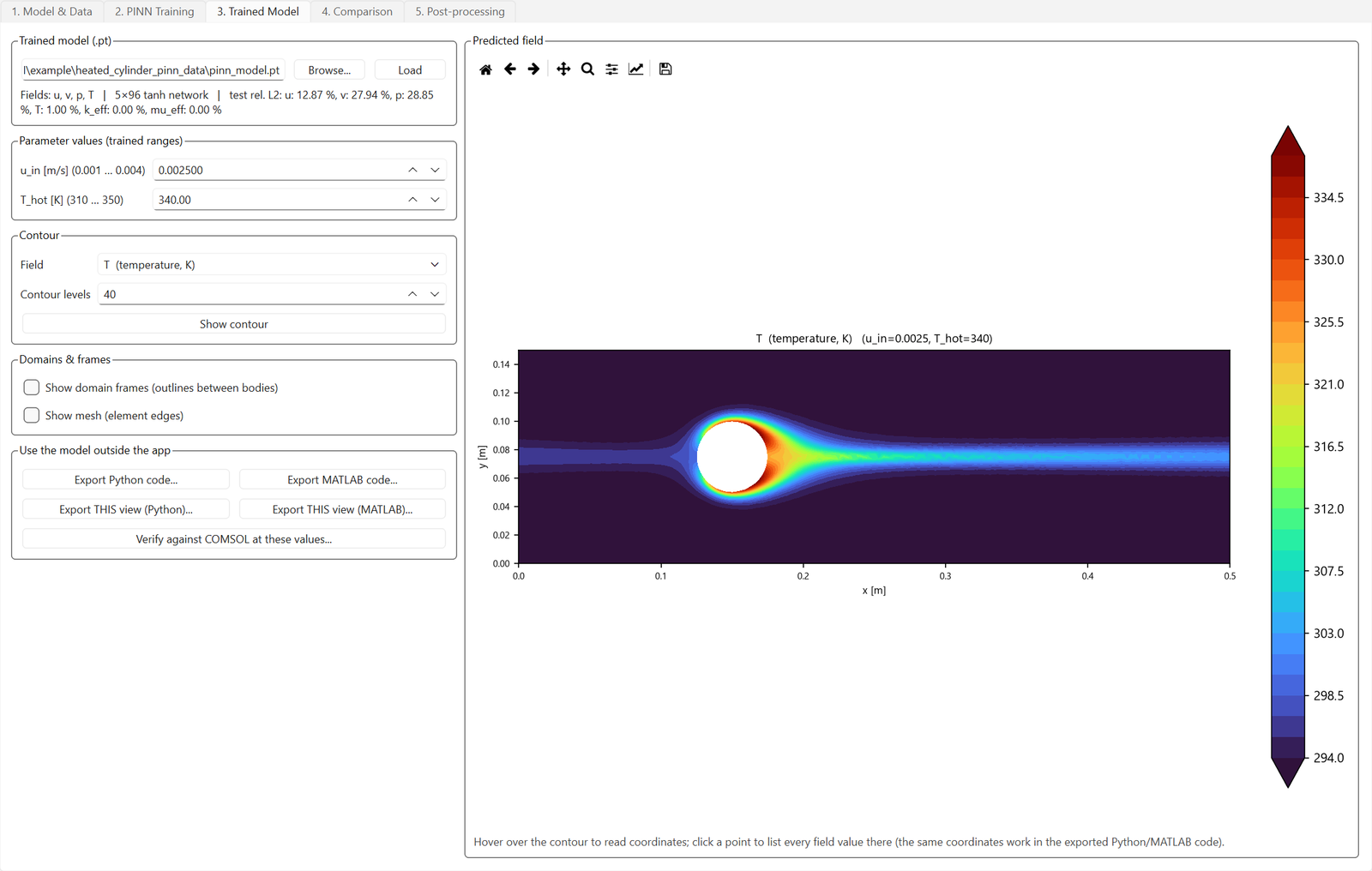
| Trained Model | Contours, COMSOL-style interactive 3D views with cut planes on the true mesh, slice planes, per-body show/hide, domain frames, animations — no COMSOL license needed |
| Comparison | COMSOL vs surrogate vs absolute error, side by side with camera-linked 3D views and per-field relative-L2 / R² metrics on held-out simulations |
| Post-processing | Line plots, probe tables, statistics, parameter sweeps, derived values, one-click verification against a fresh COMSOL solve — plus exports: Python, MATLAB, C++17, Simulink, interactive HTML |
| Optimization | 16 methods (NSGA-II/III, SPEA2, MOEA/D, SMS-EMOA, RVEA, GA, PSO, DE, CMA-ES, pattern search, Nelder-Mead, grid search) running on the millisecond surrogate |
| AI System Design | A Simulink-style canvas that chains trained surrogates with Python, MATLAB, and calculator blocks into whole-system models — steady, sweep, or transient, with system-level optimization |
Try CFD AI before you buy
Download the free demo and check it against your own model — every product also has a 2-day free trial plan in the picker above, activated in minutes.
How does licensing work?
Pick a plan above, check out, and your license appears instantly under My Account → Software Licenses. Open the app’s Activation tab, copy your computer’s serial number into the license page, and your key is generated on the spot — timed plans start counting from activation, not from purchase, so buying ahead never wastes days. Renewing early always keeps your remaining days.
- Instant delivery — no waiting for a human to email keys
- Free trial available: one per customer, activates in minutes
- Changed computers? We reset your activation and you keep your remaining days
- Lifetime plans never expire and include updates to the same major version
Reviews
There are no reviews yet.