

TRNSYS economics integration means treating cost as a live optimization objective, not a spreadsheet you build after the simulation runs. The standard TRNSYS library ships around 150 components, and — per Aiguasol’s product page for TRNSYS 18 — that set already includes economics routines alongside HVAC, solar and weather-data types. If you searched for what software integrates with TRNSYS for economics, you’ve likely already found those built-in Types and want to know how to turn cost into a real trade-off variable across hundreds of design variants.
The current build, according to the software directory at Usoftly, is TRNSYS 18.02, updated March 2026 — the economics Types described here are current for that release. This piece covers one specific gap: TRNSYS’s native cost routines compute cash flow and payback for a single design. Nothing in the standard library runs that calculation across a population of variants and hands you a front of trade-offs. That’s the layer Multi Optimization adds on top of your existing deck.
What TRNSYS’s Built-In Economics Types Actually Compute
TRNSYS’s economics routines link directly to the system model, commonly through Type56-linked cost routines tied to the building or plant deck. Feed them your capital cost breakdown, discount rate, and energy price escalation, and they return net present value, cumulative cash flow, and simple payback for that one design. That’s TRNSYS life cycle cost analysis in its native form — accurate for the specific equipment sizing, control strategy, and geometry you typed into that deck, and nothing beyond it.
The routines don’t know about the variant you didn’t build. Change your storage tank volume, your chiller COP, or your PV array tilt, and you re-run the deck, re-read the printed output, and redo the payback calculation for the new case. For one design that’s a ten-minute task. For a real trade-off study — cost against COP, against unmet load hours, against PUE — it becomes the bottleneck in the whole project.
What Software Integrates With TRNSYS for Economics
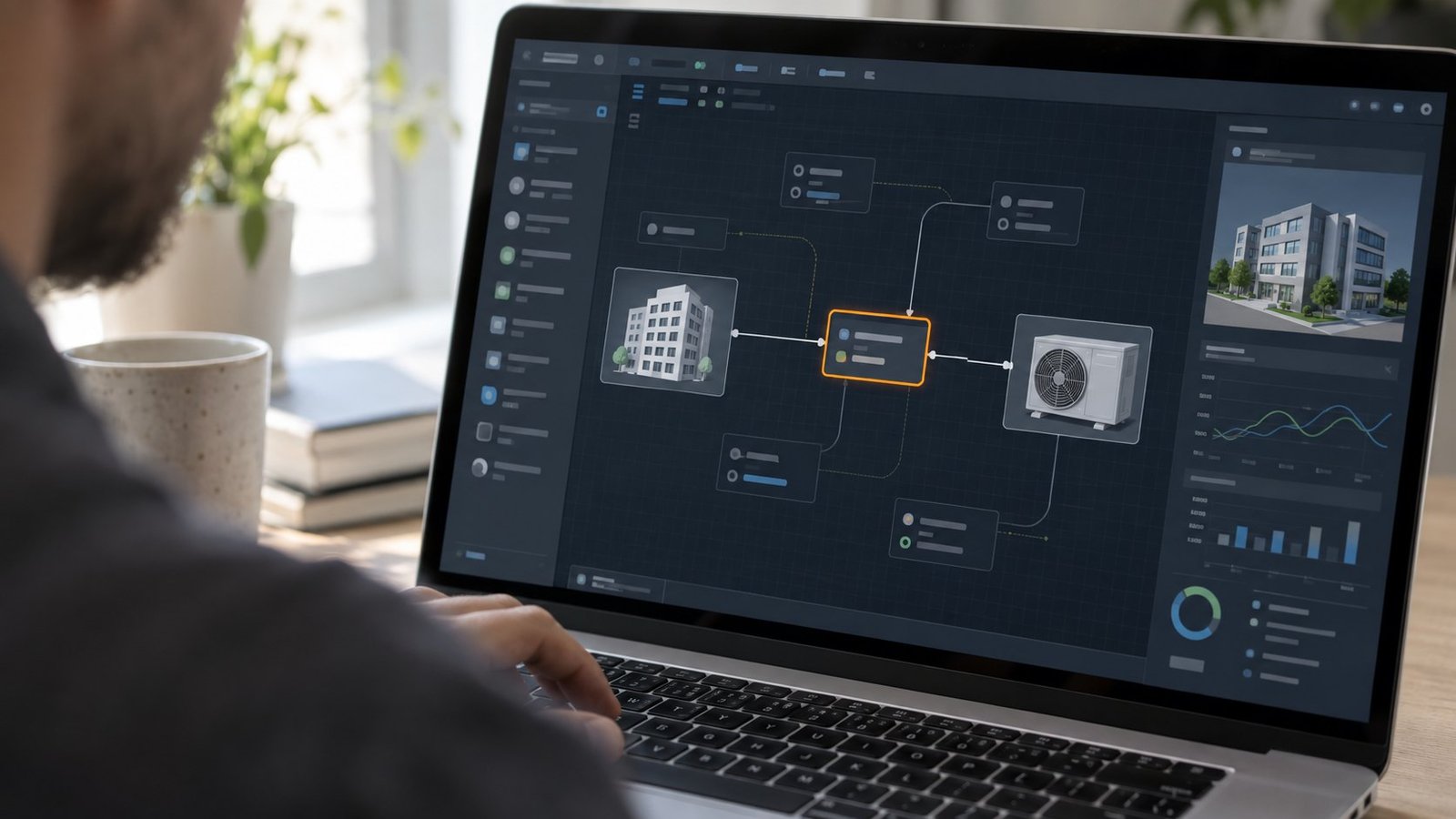
Ask what software integrates with TRNSYS for economics and the honest answer is: nothing replaces the native routines — you still want TRNSYS computing cash flow with your actual escalation schedule and discount rate. What’s missing is the outer loop that runs those routines across a population of designs and treats the result as a real objective, not a report you read once. That outer loop is a parallel multi-objective optimizer sitting on top of the deck, calling TRNSYS once per candidate design and reading its economics output back as a fitness value. See the full product range for how the same approach applies to EES and COMSOL decks, not just TRNSYS.
In practice that means LCOE or simple payback sits in the same objective vector as COP, unmet load hours, or PUE. A genetic algorithm like NSGA-II doesn’t pick one winner — it returns a Pareto front, and you choose where on that front your project sits.
- Capital cost vs. LCOE — trade equipment size against lifetime electricity cost.
- Payback period vs. COP — trade upfront investment against operating efficiency.
- Cash flow vs. unmet load hours — trade comfort risk against cost.
- PUE vs. cooling capex — relevant when the TRNSYS deck models a datacenter cooling loop.
Every one of those pairs is a two-objective optimization problem, and TRNSYS itself will run each candidate without complaint — it just won’t manage the population, the generations, or the resulting front for you. The PUE-vs-capex pairing is the same one we cover on the datacenter cooling simulation page, since several of those decks are built in TRNSYS too.
TRNSYS Economics Integration in Practice: Cost as a Pareto Objective
This is what TRNSYS cost optimization looks like when it’s built on top of the deck instead of bolted on afterward. Multi Optimization’s wrapper reads the deck’s existing economics Types — the same cash-flow and payback routines Aiguasol documents in the TRNSYS 18 component library — and exposes their output as an objective, alongside whatever thermal or electrical performance metric the deck already computes.
Setting up the cost objective
You don’t rewrite the economics Type. You point the optimizer at its output variable — payback in years, or NPV in dollars — the same way you’d point it at a COP or a supply temperature. Design variables stay whatever you’ve already parameterized: tank volume, collector area, chiller stage count, setpoint schedule. A typical residential solar-plus-storage study we run has 8 to 14 design variables against 2 to 3 objectives.
Running the sweep in parallel
Sequentially, a population of 40 candidates over 50 generations means 2,000 individual TRNSYS runs — a few minutes each for a typical annual simulation, which adds up to multiple days on one core. Multi Optimization distributes that population across available cores, so a 16-core workstation runs roughly 16 decks at once instead of one. The economics-vs-performance sweep that used to run overnight for a week finishes in an afternoon, and every one of those 2,000 runs used the deck’s own Type56-linked cost routine — not an external spreadsheet approximation.
TRNSYS Life Cycle Cost Analysis Across Hundreds of Design Variants
Treating life cycle cost as an optimization objective changes what the number means. Instead of one payback figure attached to the design you happened to build first, you get a front: every point on it is a design TRNSYS actually simulated, with its own payback, its own COP, its own unmet load hours. Picking a design off that front is picking a real, simulated trade-off — not interpolating between two spreadsheet rows.
This matters most when capital cost and energy performance pull in opposite directions — oversized solar thermal storage, deeper ground loops, larger chiller plants. The economics Type already knows how to price each candidate. The optimization layer is what lets you see all of them at once instead of one at a time.

FAQ: TRNSYS Economics Integration
Does TRNSYS have built-in life cycle cost analysis?
Yes. The standard library — about 150 components according to Aiguasol’s TRNSYS 18 product page — includes economics routines that compute cash flow, NPV, and payback alongside the HVAC, solar, and weather-data Types. They work on one design at a time.
What software integrates with TRNSYS for economics?
For a single design’s cash flow, nothing extra is needed — TRNSYS’s own Types cover it. For comparing cost against performance across many variants, you need a parallel multi-objective optimizer that calls the TRNSYS deck per candidate and reads the economics output back as an objective. That’s the layer Multi Optimization adds.
Can I optimize LCOE and COP at the same time?
Yes. Define LCOE as one objective and COP as a second, and a two-objective run using NSGA-II returns a Pareto front instead of one blended score. You then pick the point on the front that fits your project’s budget.
Which TRNSYS version does this apply to?
The current build is TRNSYS 18.02, updated March 2026 according to the software directory at Usoftly. The economics Types referenced here are part of that release’s standard library.
Next: Set Up a TRNSYS Cost Optimization Run
If your economics Type already reports payback or NPV for one design, you have what you need to make cost a real objective instead of a spreadsheet afterthought. See how the parallel wrapper connects to your existing deck on the TRNSYS optimization page, where objectives, variables, and core counts are configured before the first run starts, or check the FAQ for setup questions.