
COMSOL shape optimization remeshing is a recovery step, not a substitute for controlling deformation. Start with a bounded MMA move limit, monitor minimum element quality, and stop before inverted mesh elements appear. If the solve fails, remesh the deformed geometry, restart from the last valid design, and compare the objective against a fresh remesh.
The COMSOL 6.4 documentation warns that shape optimization deforms the mesh, reduces mesh quality, and can stop the solve when elements invert. The Learning Center lesson using beam_optimization_cleared_pt6.mph demonstrates remeshing and regularization. COMSOL 6.4 Update 3 is build 6.4.0.429 and fixes condition-based final time for shape- and topology-optimization study steps.
What does comsol shape optimization remeshing prevent?
COMSOL shape optimization remeshing prevents a damaged deformed mesh from controlling the next solve. The COMSOL 6.4 — Shape Optimization documentation describes mesh deterioration and inverted elements as direct failure risks. Use comsol shape optimization guidance for version-specific workflow changes, then treat remeshing as a measured restart decision.
Which signals matter first?
- Minimum COMSOL mesh quality: Track the minimum value, not only an average that can hide a local collapse.
- Maximum displacement: Record the largest boundary movement in millimeters for every accepted iteration.
- Solver behavior: Save the first failed iteration and the exact COMSOL message, including the affected study step or mesh feature.
- Objective stability: Compare the objective before failure, after remeshing, and after a fresh solve from the same geometry.
How do you reproduce a COMSOL mesh-failure test?
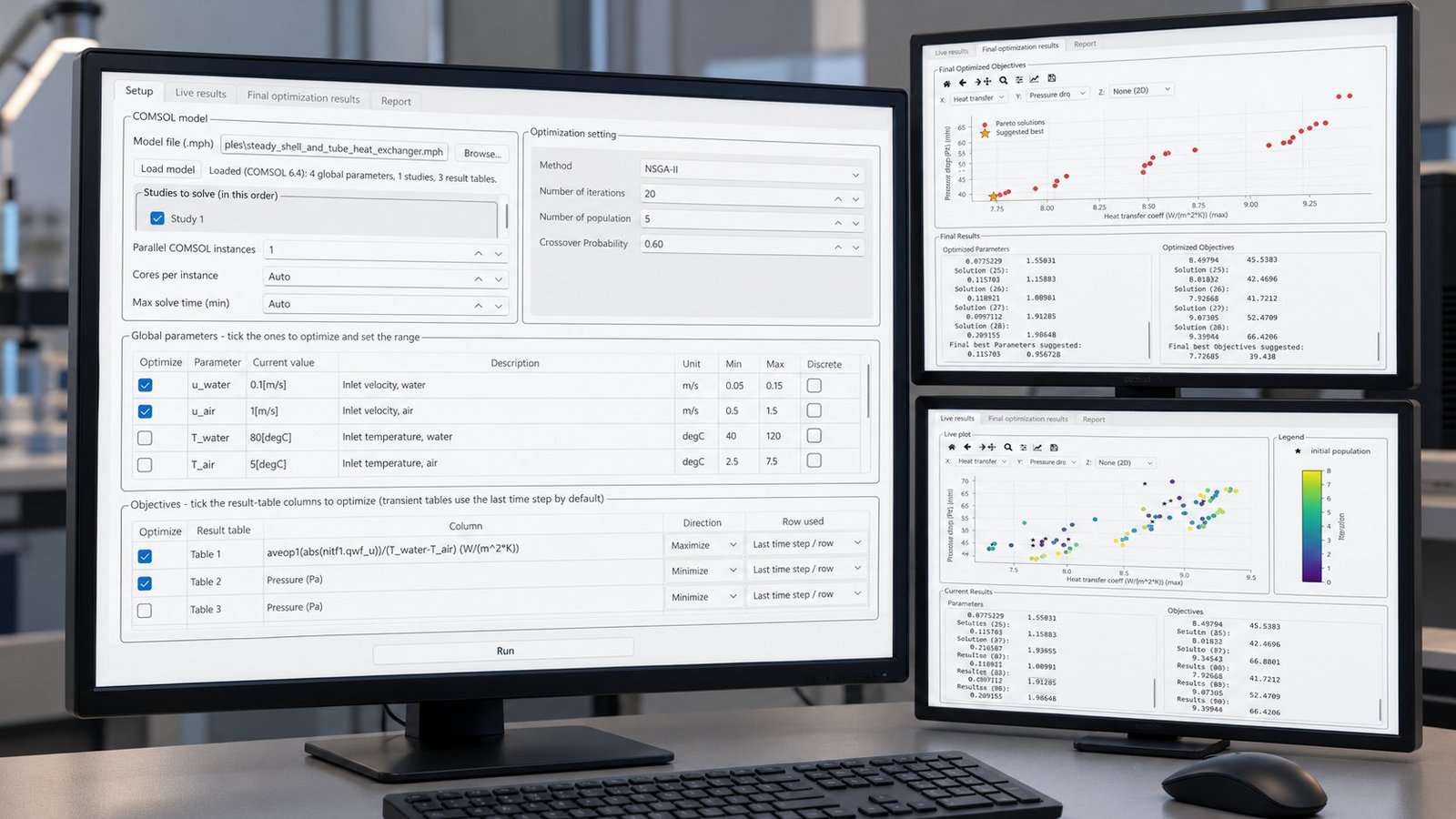
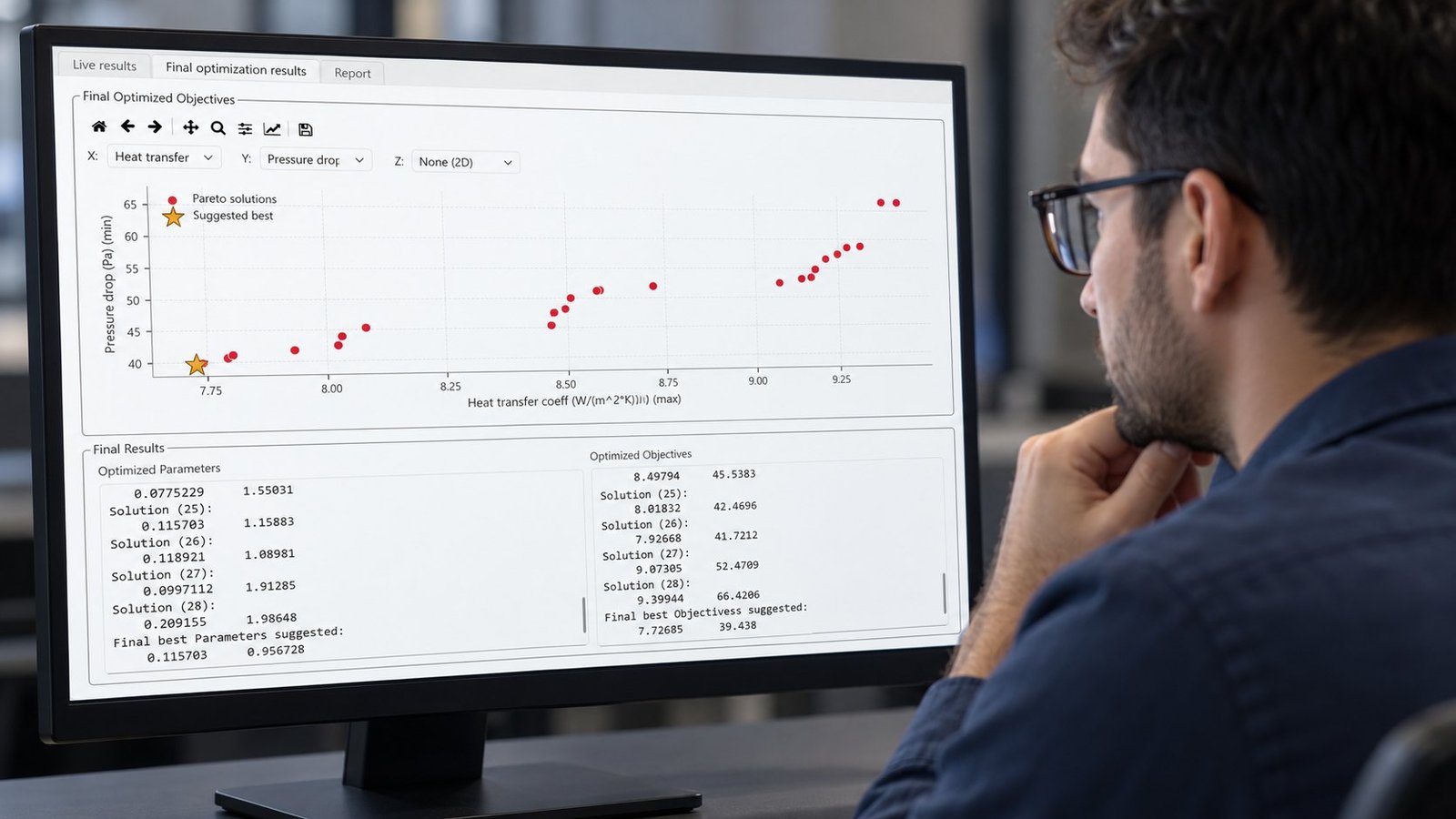
A reproducible test needs the model name, dimension, starting mesh, quality metric, displacement, MMA move limit, failure iteration, runtime, and exact solver text. The supplied Multi Optimization screens show optimization settings and result reporting, but they do not contain a COMSOL mesh-failure record. Do not turn those screens into a claimed failure threshold.
- Fix the model: Open beam_optimization_cleared_pt6.mph from the COMSOL Learning Center lesson in 2D. Record the initial element count from the first valid mesh. Failure mode: a different starting mesh changes the deformation response.
- Choose one metric: Record minimum element quality at the initial state and after every accepted shape update. Failure mode: an average quality value hides the element that inverts first.
- Record deformation: Save maximum displacement in mm for each iteration. Failure mode: a local boundary movement can exceed the global change you expected.
- Set MMA: Run at least 0.05, 0.10, and 0.20 move limits. These are test settings, not universal safe values. Failure mode: an aggressive update crosses the valid geometry region.
- Capture failure: Record the iteration number at failure and runtime in minutes. Failure mode: a timeout can be mistaken for a mesh inversion.
- Copy the message: Paste COMSOL’s exact inverted-element or solver message into the run record. Failure mode: paraphrasing removes the feature name needed to reproduce the failure.
- Restart once: Remesh the last valid deformed geometry, restart from that state, and compare the objective with a fresh remesh. Failure mode: a restart can appear successful while changing the geometry enough to invalidate comparison.
What should a parallel benchmark report?
A useful benchmark runs three MMA settings in parallel and reports objective change, wall-clock time, minimum mesh quality, and fresh-remesh reproducibility for each branch. Multi Optimization’s supplied report screen shows one orchestration baseline: NSGA-II, 20 iterations, population 5, crossover probability 0.60, 28 solutions, 0.6418 seconds of application-reported elapsed time, and best objectives of 7.72685 and 39.438. That elapsed value is not a COMSOL mesh-solve runtime.
| Parallel setting | MMA move limit | Objective change | Wall-clock time | Minimum mesh quality | Fresh remesh reproduces result? |
|---|---|---|---|---|---|
| Conservative | 0.05 | Record Δ objective 1 and Δ objective 2 | Record minutes | Record minimum value | Yes or no after restart |
| Nominal | 0.10 | Record Δ objective 1 and Δ objective 2 | Record minutes | Record minimum value | Yes or no after restart |
| Aggressive | 0.20 | Record Δ objective 1 and Δ objective 2 | Record minutes | Record minimum value | Yes or no after restart |

When should you stop, regularize, remesh, or parameterize?
Stop when minimum mesh quality declines rapidly or the geometry approaches a known boundary limit. Add fixed boundaries or regularization when the deformation concentrates at supports, corners, or narrow features. Remesh and restart after a local quality collapse. Replace free shape control with a small parameter set when repeated remeshing changes the design identity.
| Observed condition | Recommended action | Use when |
|---|---|---|
| Quality falls gradually and the solver remains stable | Reduce the move limit | The design direction is useful but each update is too large |
| Deformation concentrates at a support or sharp corner | Add fixed boundaries or regularization | The optimizer is exploiting an unconstrained local feature |
| A local element inverts or the solver stops | Remesh the last valid geometry and restart | The geometry remains physically meaningful after remeshing |
| The restart changes the objective materially | Replace free shape control with parameters | Repeatability matters more than unrestricted boundary movement |
The COMSOL Learning Center’s beam_optimization_cleared_pt6.mph example is useful because it places remeshing and regularization inside a shape-optimization workflow. A 2026 research direction, Geometry-Aware Neural Optimizer for Shape Optimization and Inversion, also pursues geometry updates that avoid a separate remeshing operation inside the optimization loop. That is a research direction, not evidence that your production model can skip mesh checks. If you need a separate surrogate discussion, the neighboring cfd ai article covers that scope.
FAQ: COMSOL shape optimization remeshing
What is a safe COMSOL mesh-quality threshold?
There is no single threshold that applies to every geometry, physics interface, and element family. Establish a model-specific control limit from minimum element quality, maximum displacement, solver stability, and fresh-remesh reproducibility.
Does COMSOL 6.4 Update 3 prevent inverted mesh elements?
No. COMSOL Software Version 6.4 Updates identifies build 6.4.0.429 and a fix for condition-based final time in shape- and topology-optimization study steps. That update does not remove the need to control deformation or monitor mesh quality.
Should you remesh after every shape update?
No. Remesh when the quality trend or solver behavior shows that the current mesh is becoming the limiting factor. Always test whether a fresh remesh reproduces the objective before accepting the restart as equivalent.
When should you replace free shape control?
Use parameters when free deformation repeatedly produces invalid geometry, when remeshing changes the objective, or when manufacturing constraints require a stable feature vocabulary. For a different optimization scope, see the topology optimization comsol workload discussion.
Use a measured restart decision
COMSOL shape optimization remeshing works best as part of an evidence trail: fixed model, fixed metric, bounded MMA updates, exact failure text, and a fresh-remesh comparison. Multi Optimization Admin uses that structure to separate optimizer behavior from mesh failure across parallel runs. For parallel multi-objective workflows connected to COMSOL, see COMSOL optimization software for parallel multi-objective design.