
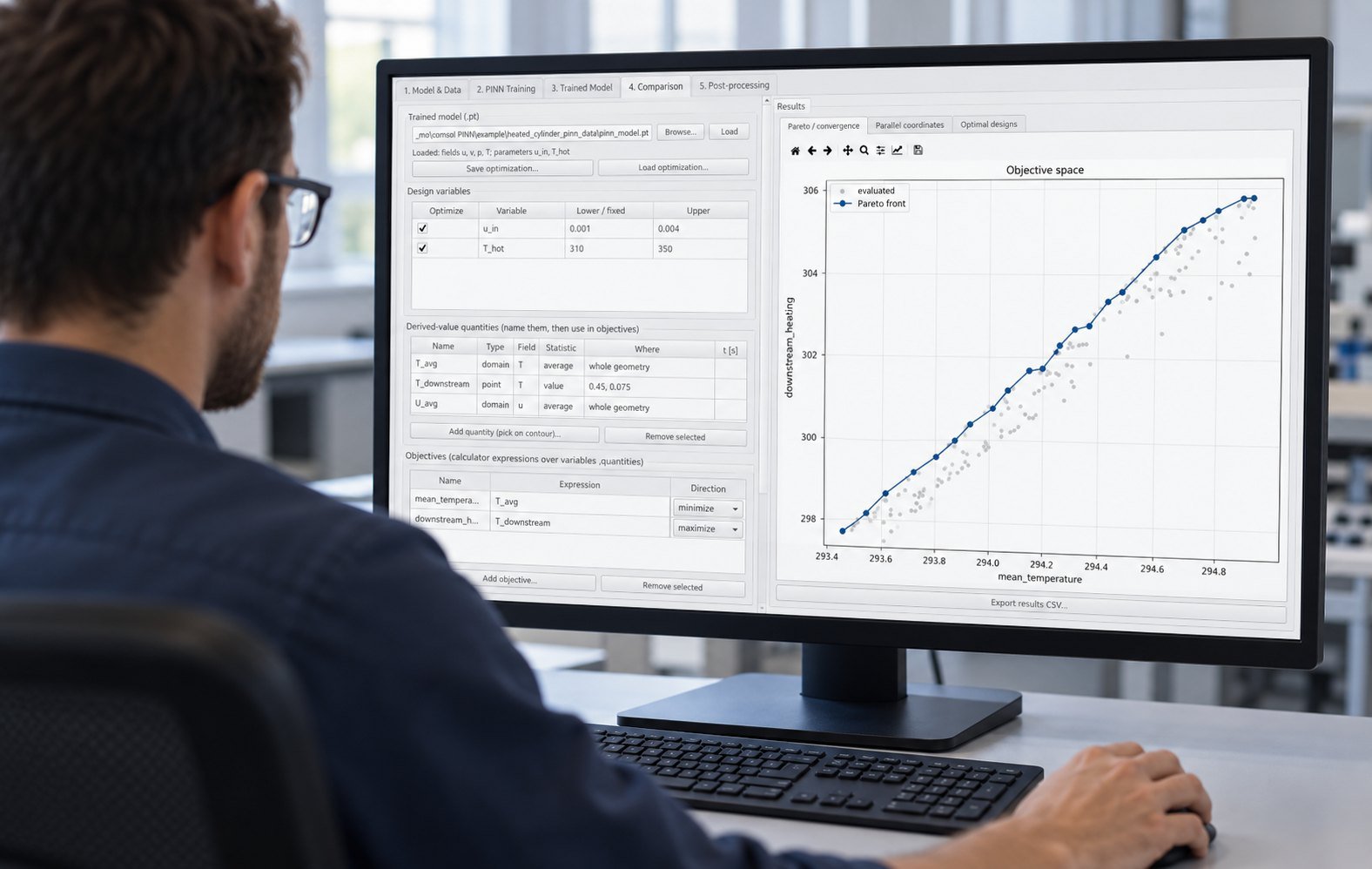
A CFD parameter sweep maps solver outputs across chosen inputs. Use full factorial when every interaction matters and the case count is affordable; use a DOE when you need coverage under queue or license limits; use a surrogate only after verified solver results cover the design space.
Your decision is a study-design choice, not a solver preference. Current workflow tools make parallel simulation runs easier to launch, isolate, retry, and post-process, so you can match sampling depth to mesh cost, scheduler capacity, and license availability.
How should you choose a CFD parameter sweep design?
Choose full factorial for a small, interaction-sensitive design space. Choose a sampled CFD design of experiments when queue time, compute cost, or solver licenses limit exhaustive coverage. Choose surrogate-assisted exploration only after the sampled solver results pass mesh and convergence checks.
| Study design | Use when | Main trade-off |
|---|---|---|
| Full factorial | You need every combination and have capacity for all cases | Highest case count; strongest interaction coverage |
| Latin hypercube or other DOE | You need broad coverage with a fixed case budget | Lower cost; some interactions remain less certain |
| Surrogate-assisted exploration | Validated solver data already covers the operating region | Fast exploration; accuracy depends on training coverage |
Worked example: 125 cases or 32 points?
Use three variables at five levels for a 5 × 5 × 5 full-factorial study: inlet velocity from 0.5 to 2.5 m/s, angle of attack from −5 to 15 degrees, and mesh size from 100,000 to 900,000 cells. That creates 125 cases. A 32-point Latin-hypercube design samples the same ranges without evaluating every combination.
Record pressure in Pa, temperature in K, and heat removal in W. Keep the input units fixed across all rows. If you change mesh size, store the cell count with the result so a response trend is not confused with discretization error.
How should you build a parameter study workflow?
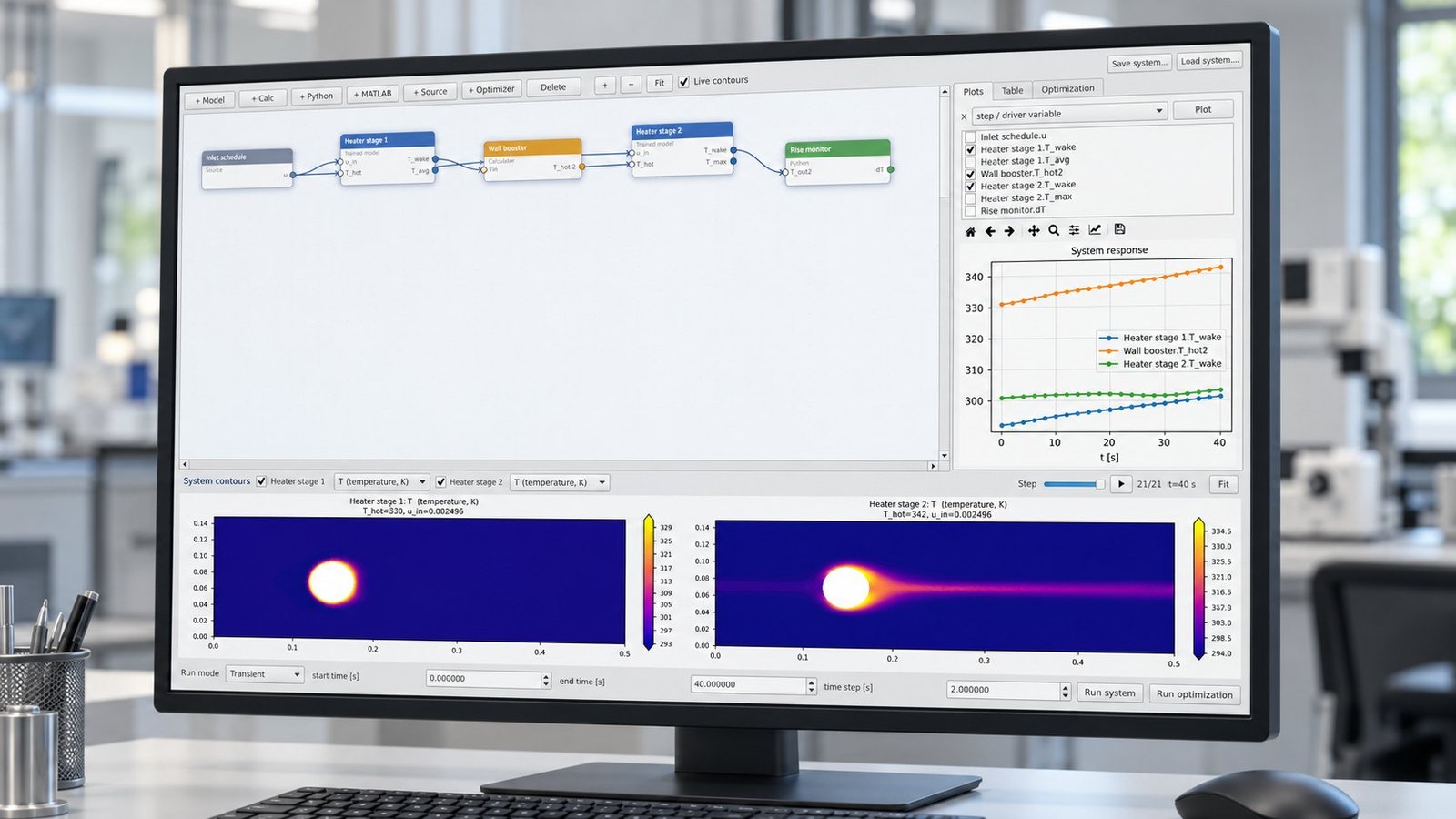
Build each design point as an independent case with explicit inputs, output extraction, status, and retry metadata. Rescale’s September 29, 2026 workflow article describes exposing inlet velocity, angle of attack, and mesh density, then launching independent runs with fault isolation and concurrency control.
The LLNL Vertex-CFD documentation adds the batch-execution pattern: generate parameter-run directories, submit them through Flux or Slurm, and apply the same post-processing logic to every result.
- 1. Generate the design matrix. Write one row per case with units, a stable case ID, and the mesh settings. Failure mode: a failed mesh check marks only that case for correction.
- 2. Create isolated run directories. Copy inputs and record the parameter row beside each solver command. Failure mode: a missing file or non-zero solver exit changes the case status to failed.
- 3. Submit with a worker limit. Match concurrency to available cores and license tokens. Failure mode: a queued or rejected job remains pending without blocking completed cases.
- 4. Post-process consistently. Extract pressure in Pa, temperature in K, and heat removal in W using the same scripts. Failure mode: residual stagnation invalidates the result even when the process exits normally.
- 5. Retry only the failed point. Correct the mesh, input, or resource request, then resubmit the same case ID. Do not restart the completed portion of the sweep.
How do queue, license, and mesh limits change the plan?
Resource limits change the sampling method and concurrency, not the engineering question. Use a smaller DOE when a full factorial would sit in the queue too long, and cap simultaneous jobs when solver licenses or memory are shared.
| Constraint | Practical response | Decision rule |
|---|---|---|
| One or two solver licenses | Run a DOE or serialized factorial with a queue limit | Protect license availability before increasing case count |
| Large meshes with long runtimes | Use 32 sampled points before expanding | Measure response coverage before buying more compute |
| Frequent mesh failures | Validate mesh bounds on a pilot subset | Fix geometry or bounds before launching all cases |
| Many independent cases | Use parallel simulation runs with isolated directories | Retry failed IDs without repeating successful cases |
What should a measured parallel study report?
Report wall-clock time rather than adding individual runtimes. In one Multi Optimization benchmark using the same 32-case design, mesh generation, solver settings, and post-processing, eight workers reduced elapsed time from 16 hours to 2 hours 14 minutes.
| Metric | Measured result |
|---|---|
| Number of cases | 32 |
| Number of workers | 8 |
| Serial wall-clock time | 16 h 00 min |
| Parallel wall-clock time | 2 h 14 min |
| Speed-up | 7.16× |
When is surrogate exploration justified?
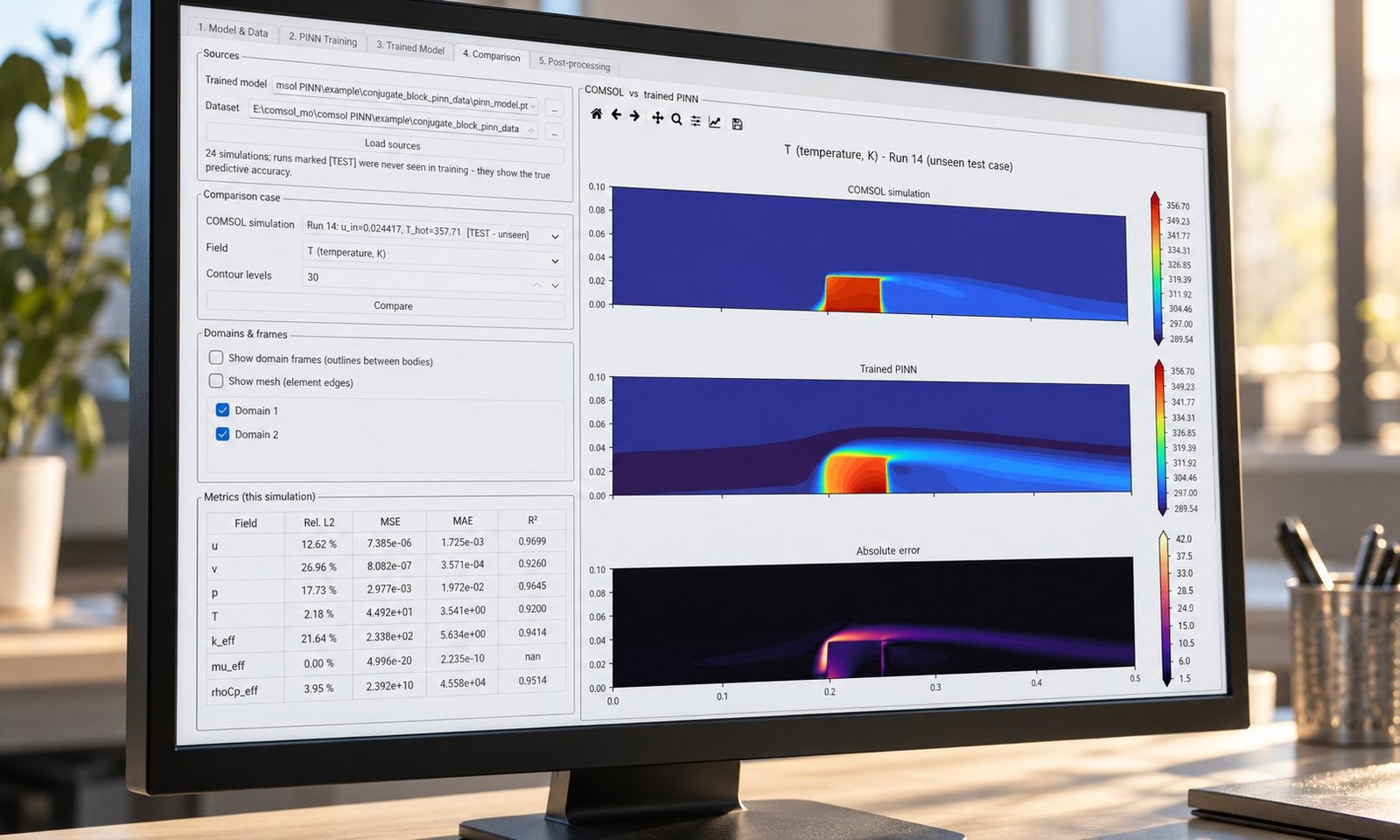
Use a surrogate after the solver data shows stable coverage across the operating region. Fraunhofer SCAI’s DesParO describes the complementary role of parallel DOE and surrogate models when evaluating the full design space is too expensive.
Start with a holdout set, compare predicted pressure, temperature, and heat removal against solver values, and reject the surrogate when error grows near a boundary or mesh transition. For a low-cost pre-screen, treat free cfd software as a boundary-condition check, not proof that a production mesh is valid.
The choice of cfd software does not remove the need to record coolant properties and boundary conditions. For datacenter studies, pair heat removal in W with a data center cooling load rule of thumb before setting the response range. Then compare surrogate error against held-out fields in your cfd analysis workflow.
CFD parameter sweep FAQ
Should you always use full factorial?
No. Use it when the number of levels is small and interaction coverage matters more than queue time. Otherwise, begin with a DOE and expand only where the response changes quickly.
How many workers should you request?
Request the largest count that fits your license tokens, memory per case, and scheduler policy. Measure speed-up because eight workers rarely deliver exactly eight times the throughput.
What should you do after a failed run?
Classify the failure as a non-zero solver exit, residual stagnation, or failed mesh check. Correct that case and retry only its case ID while preserving the completed results.
What is the practical rule for your next sweep?
Set the case budget first, then choose the design. Use 125 full-factorial cases when you can afford exhaustive interactions, 32 DOE points when you need controlled coverage, and a surrogate only after solver validation. Multi Optimization supports parallel multi-objective optimization for TRNSYS, EES, and COMSOL, plus AI/PINN surrogate models and datacenter cooling simulation. See the Multi Optimization product suite for parallel study design.