
A physics-informed neural simulator is only a true PINN when its training loss directly enforces governing equations. Most commercial engineering AI products instead learn solver outputs. For CFD design, choose by data volume, geometry coverage, confidence reporting, and final high-fidelity verification—not by the PINN label.
Fictiv’s current engineering overview makes the terminology distinction clear: most commercial products are physics-based surrogate software trained on solver results, not true PINNs. That distinction matters when you are deciding between a CFD neural simulator, a geometric reduced-order model, and a workflow that must return to COMSOL or another high-fidelity solver.
Which physics-informed neural simulator fits CFD?
Use a true PINN when governing-equation enforcement is central to training. Use a solver-trained surrogate when your priority is rapid prediction across a defined design space. The correct choice depends on how much simulation data you have, how far geometry can change, and how you verify the final design.
The most useful comparison is not a generic AI tools list. It is a workflow check. Ask whether the model consumes collocation data or solver fields, whether it supports topology changes, whether it reports uncertainty or confidence, and whether it keeps a clear path to final solver verification.
See also: Why PINNs Fail CFD: A Field Debugging Guide
What is the difference between Simcenter PhysicsAI and SimAI?
Simcenter PhysicsAI is a STAR-CCM+ integrated geometric-deep-learning reduced-order workflow. Ansys SimAI is a broader data-driven platform with Pro and Premium tiers, multiple deployment options, and confidence reporting for designs outside the training distribution.
Siemens announced Simcenter PhysicsAI on May 27, 2026. Siemens says it trains AI reduced-order models from STAR-CCM+ CFD results, supports near-instant predictions on new geometries, and can make exploration roughly 1,000 times faster than traditional workflows. High-fidelity CFD remains the validation reference.
Ansys SimAI 2026 R1 supports steady and transient predictions. Ansys lists SimAI Pro for local component-level work and SimAI Premium for cloud-scale use. The platform can train on datasets above 15 TB, typically needs 30 to 100 simulation results, and reports a confidence level when geometry is far from the training set.
| Model or product | Model type | Minimum data | Geometry-change support | Confidence output | Solver integration | Final-verification path | Use when |
|---|---|---|---|---|---|---|---|
| True PINN or PIPN | Equation-constrained neural model | Depends on collocation, boundary, and field data | Best for defined physics and parameter changes; large topology changes require care | Usually based on residuals or validation metrics, not a standard product score | Defined by the implementation | Re-run the governing solver or compare residuals and field errors | You need governing-equation enforcement in the training objective |
| Simcenter PhysicsAI | Geometric deep learning ROM trained from STAR-CCM+ results | Siemens does not state a fixed minimum in the announcement | New geometries within the trained design space; geometric exploration is the main use | Built-in validation tools and error metrics | Add-on to Simcenter STAR-CCM+ | Validate against high-fidelity STAR-CCM+ CFD | Your existing CFD archive is centered on STAR-CCM+ |
| Ansys SimAI Pro or Premium | Data-driven AI model using simulation results and geometry | Typically 30–100 simulation results | Supports topology variations; retrain when geometry is too far out | Confidence level reported for each result | Desktop, SaaS, or customer-hosted deployment | Return to the source solver for final design confirmation | You need steady or transient screening across a broad simulation archive |
| Multi Optimization COMSOL workflow | Selectable PINN and neural surrogate architectures | User-defined Latin Hypercube sampling from an .mph model | Parameter changes within the sampled COMSOL design domain | Use model validation and field-error checks; no universal confidence score is implied | Loads a COMSOL .mph file and supports solver-free exploration | Verify shortlisted designs in COMSOL | You need architecture choice plus multi-objective optimization |
What the comparison means in practice
Simcenter PhysicsAI fits a STAR-CCM+ organization that wants geometric design exploration inside its established environment. SimAI fits teams with a larger mixed archive, a need for steady and transient predictions, or a requirement for a per-result confidence signal. A true PINN fits a physics-first research workflow where residual behavior matters as much as prediction speed.
For a closer look at how training-domain coverage affects CFD decisions, see our guide to cfd analysis.
How does the Multi Optimization COMSOL workflow work?
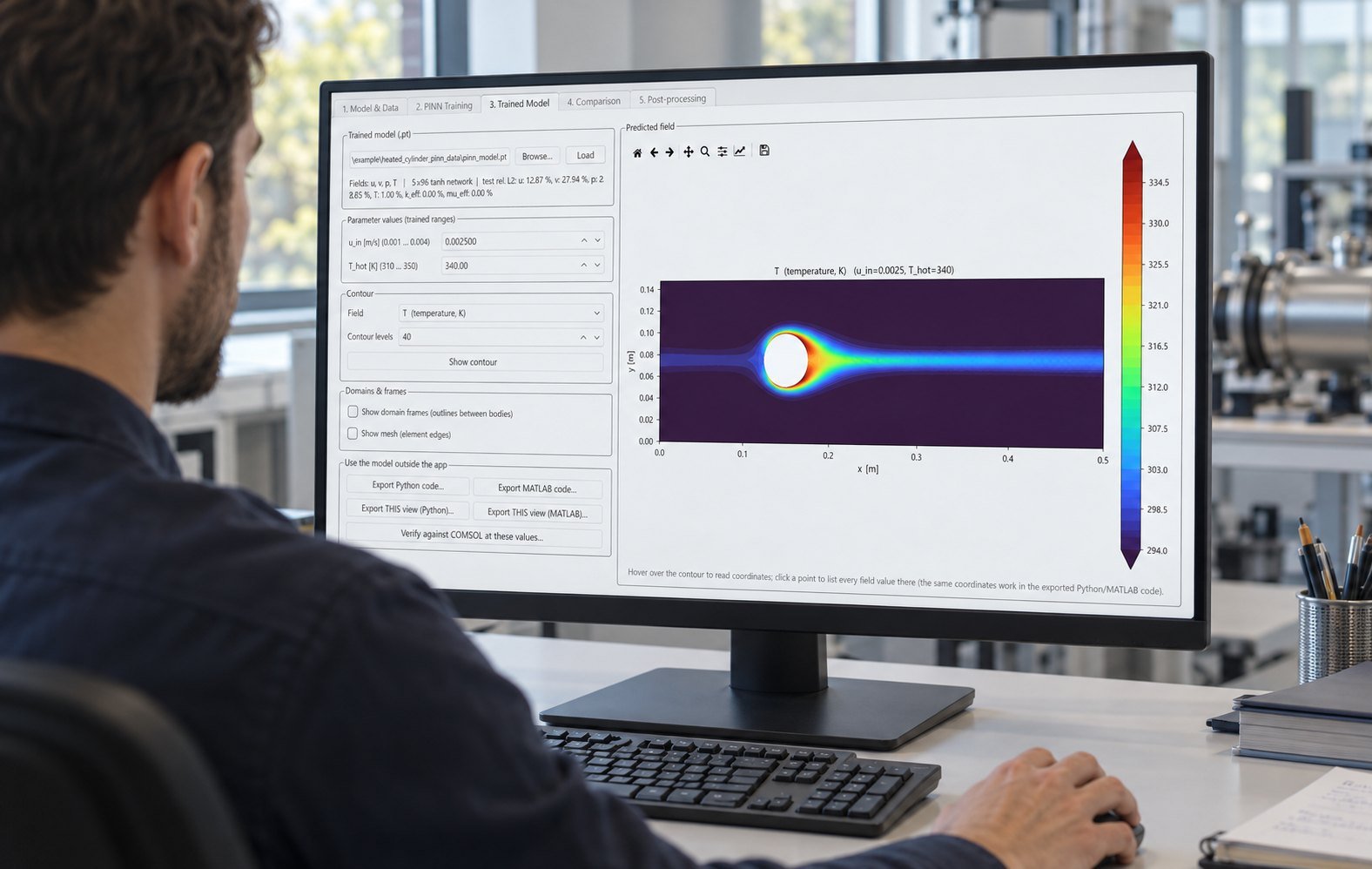
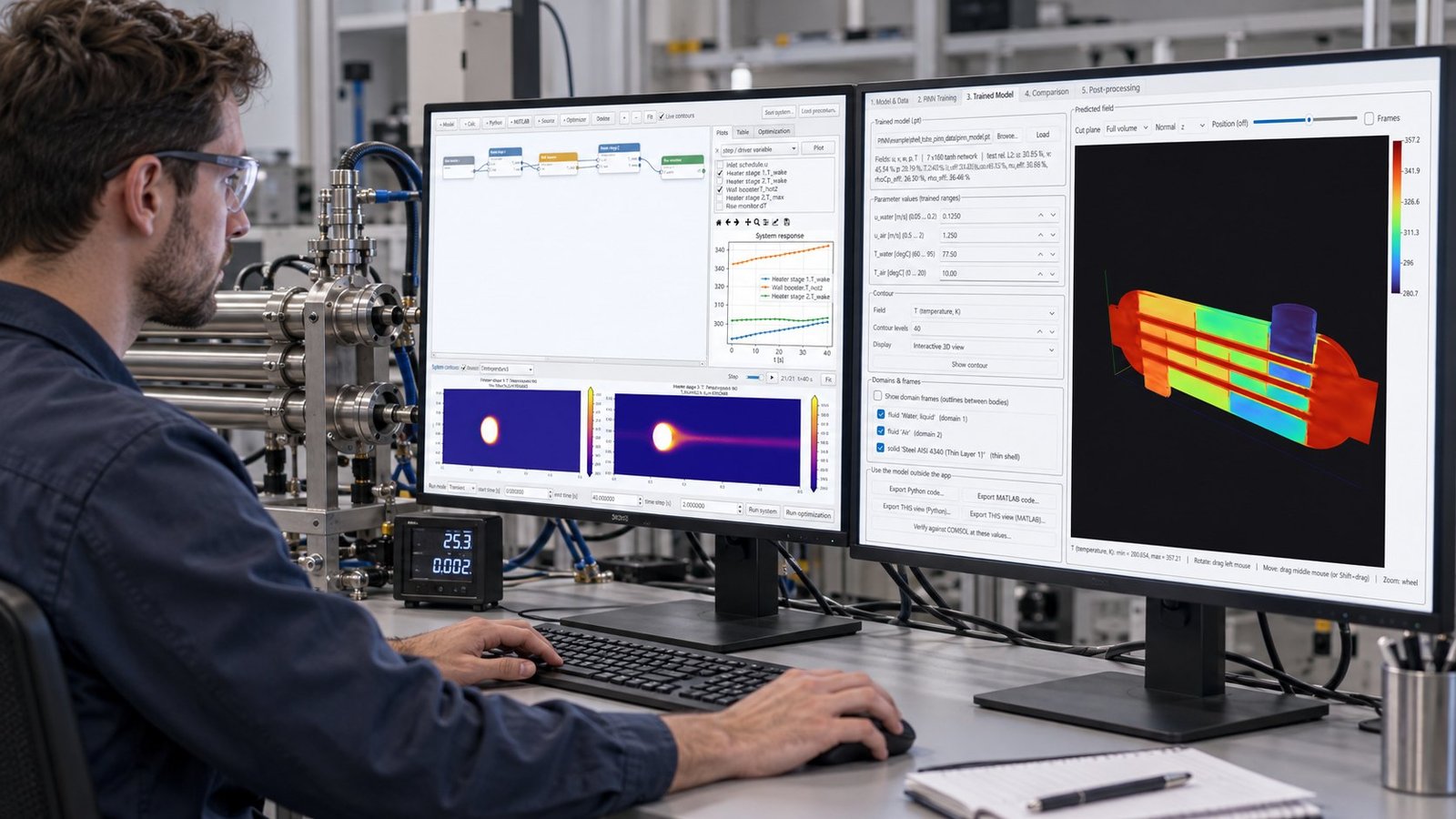
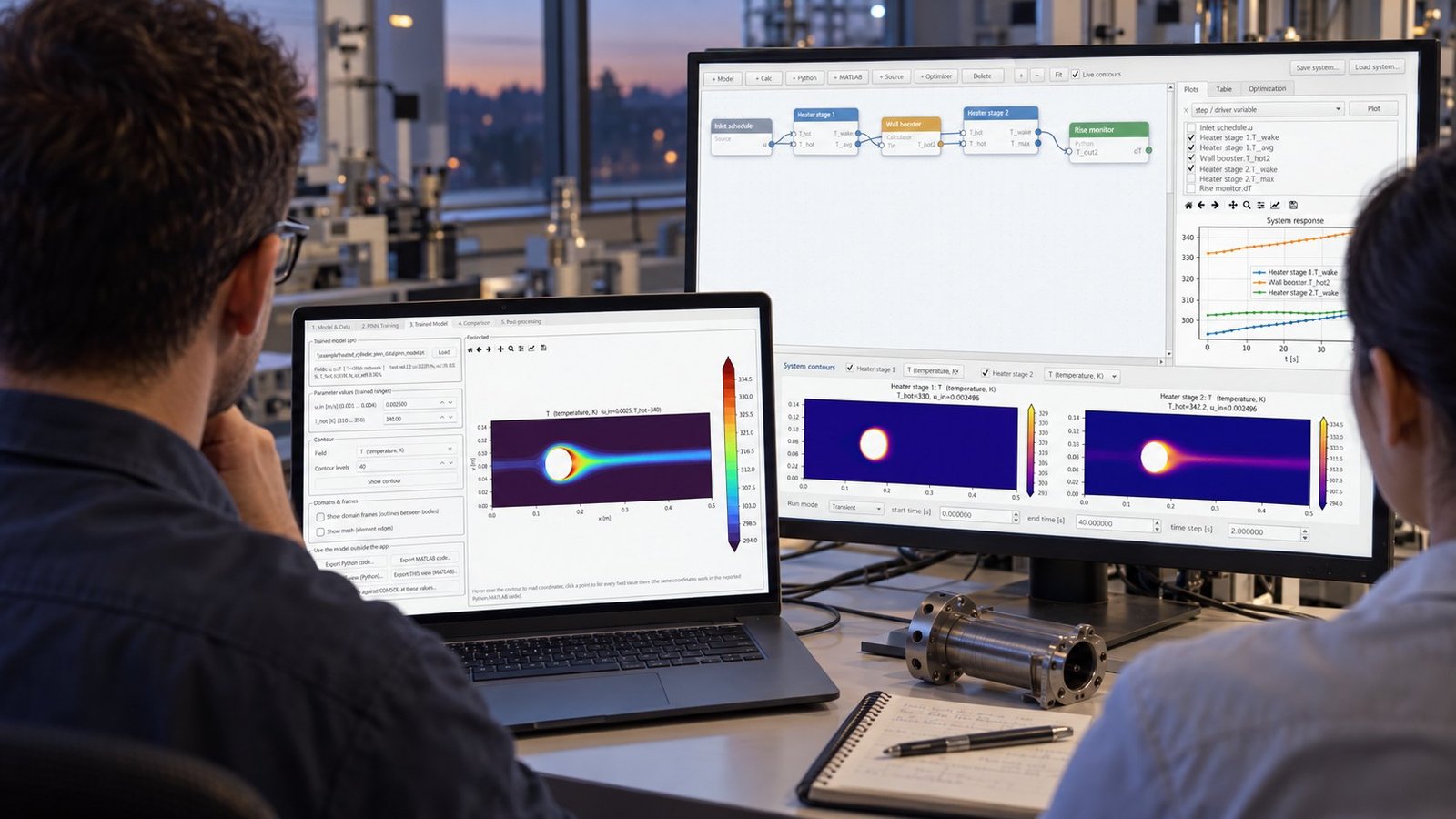
Our COMSOL workflow starts with an .mph file, samples the design space with Latin Hypercube sampling, and trains across eight available architectures. The architecture choices include DeepONet, Mesh GNN, MeshGraphNet, and PIPN.
After training, you can explore fields without running the full solver for every candidate. The workflow exposes 16 optimization methods, so you can search multiple objectives instead of treating one predicted output as the entire engineering decision.
- Load the COMSOL .mph model and define the parameter ranges. Failure mode: a narrow or unrealistic range leaves the surrogate unable to represent the intended design space.
- Generate Latin Hypercube samples and run the required COMSOL simulations. Failure mode: insufficient field coverage creates interpolation error near boundaries.
- Select an architecture such as DeepONet, Mesh GNN, MeshGraphNet, or PIPN. Failure mode: a model class that does not match the mesh or field representation can produce unstable local predictions.
- Train and inspect field errors, residual behavior, and held-out cases. Failure mode: low average error can hide a local temperature or velocity failure near a wall.
- Run solver-free exploration with one of 16 optimization methods. Failure mode: the optimizer can exploit a surrogate error unless shortlisted candidates return to COMSOL.
- Verify the final Pareto candidates in COMSOL before release. Failure mode: a predicted Pareto improvement may disappear under the full governing equations.
Which architecture should you use for your engineering workflow?
Choose the architecture from the data representation and the decision you need to make. DeepONet is a practical candidate for operator-style mappings. Mesh GNN and MeshGraphNet are suited to mesh-based field relationships. PIPN is the choice to test when physics-informed behavior is part of the model design.
- Choose a solver-trained geometric model when you have many completed CFD cases and need rapid geometry screening.
- Choose a true PINN or PIPN when governing-equation residuals and boundary behavior must remain visible during training.
- Choose a COMSOL-centered workflow when your model already exists as an .mph file and final verification must stay in COMSOL.
- Choose a confidence-reporting product when designers will evaluate geometries without direct solver expertise.
- Choose multi-objective optimization when temperature, pressure drop, flow rate, cost, or energy use must be balanced on a Pareto front.
The same rule applies to thermal infrastructure. If your model connects CFD predictions to cooling performance and energy targets, the next useful step is to reduce data center pue with simulation-driven design.
See also: cfd software
Physics-informed neural simulator FAQ
Is Simcenter PhysicsAI a true PINN?
The supplied Siemens announcement describes Simcenter PhysicsAI as a geometric-deep-learning reduced-order model trained from STAR-CCM+ results. That is a solver-trained surrogate workflow, not evidence of direct governing-equation enforcement.
How much data does Ansys SimAI need?
Ansys states that SimAI typically needs 30 to 100 simulation results. The platform also supports datasets larger than 15 TB in the 2026 R1 release.
Does SimAI show when geometry is out of range?
Yes. Ansys reports a confidence level with each result. If a geometry is too far from the training data, Ansys recommends retraining with the new geometry.
What should you verify before trusting a surrogate?
Verify held-out geometries, local field errors, boundary behavior, and the final Pareto candidates in the high-fidelity solver. Speed does not remove the need for solver confirmation.
Choose the simulator that matches your evidence
A physics-informed neural simulator is a workflow decision, not a label. Select a true PINN when equation enforcement is the requirement. Select Simcenter PhysicsAI for STAR-CCM+ geometric exploration, SimAI for large mixed simulation archives and confidence reporting, or our COMSOL workflow when architecture choice and 16 optimization methods matter. See Multi Optimization’s physics-informed simulation and optimization software to match the model to your engineering process.