
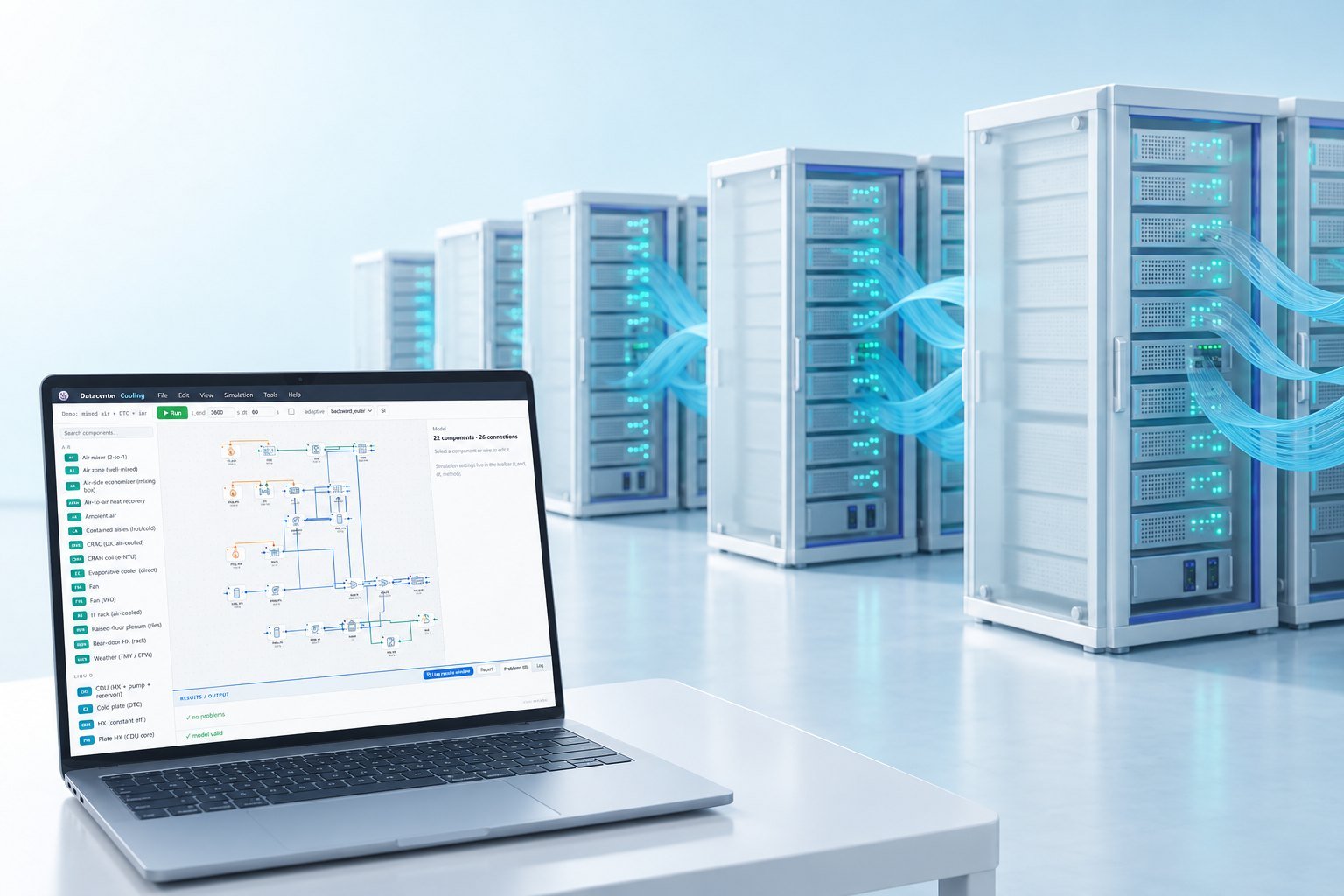
For data center cooling load calculation, start with a static heat balance for screening. Escalate to transient thermal load modeling when rack power, weather, or control response changes on the same time scale as thermal storage. That choice determines whether your result is a planning number or evidence for peak capacity, redundancy, and procurement.
Arithmetic calculators and research models answer different questions. They rarely connect the load boundary to a procurement-ready transient case with liquid heat fraction, peak timing, and validation evidence. That is the decision this post addresses.
What should a data center cooling load calculation decide first?
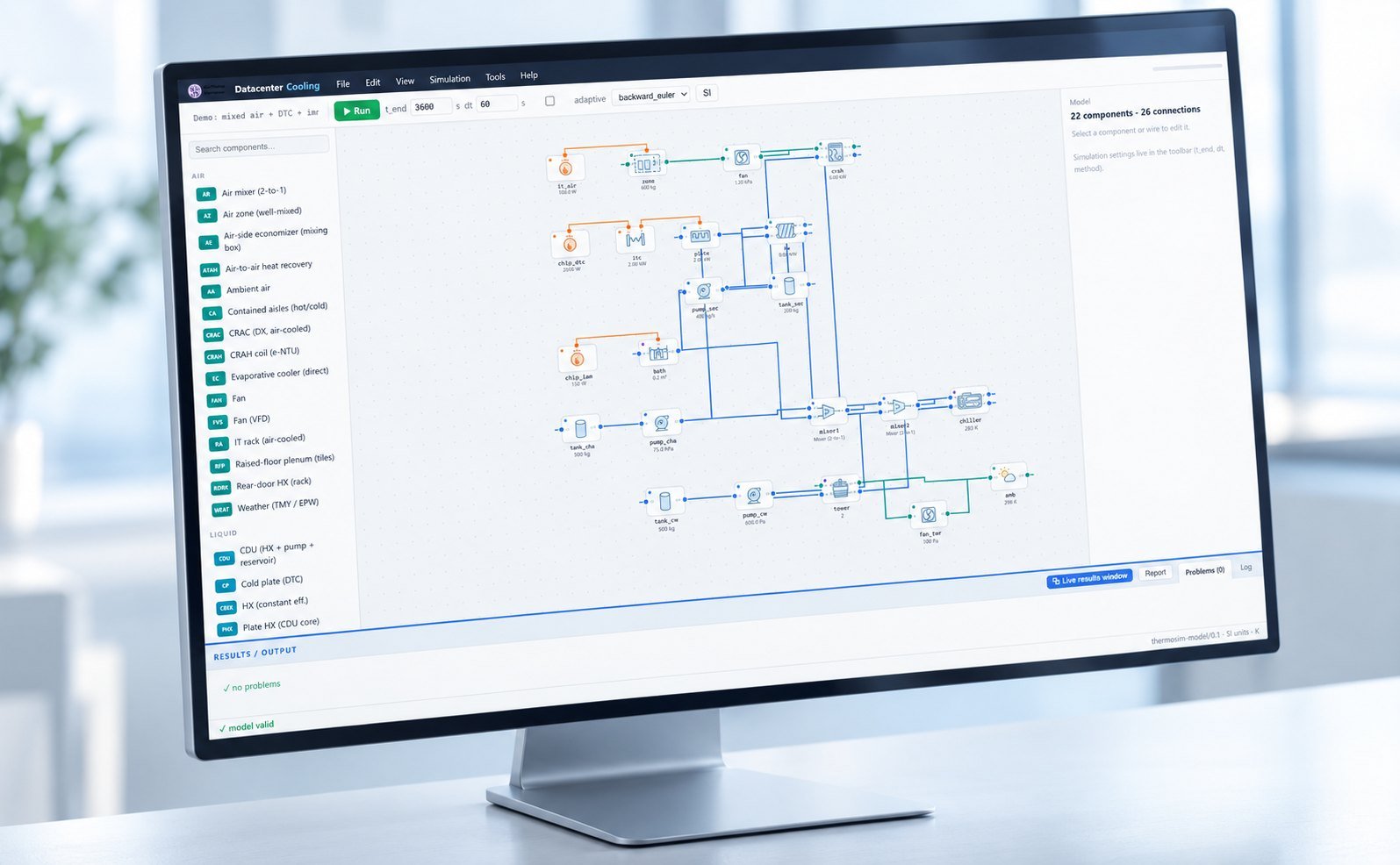
A data center cooling load calculation should first define the heat boundary and the time scale. Count heat that remains in the room, heat rejected through a liquid loop, weather-driven gains, and the delay caused by walls, water, coils, and control logic.
Use a static balance when you need a fast screening value for room capacity or an early equipment comparison. Use a transient model when peak timing affects chiller staging, thermal storage, pump response, or redundancy.
| Approach | What it answers | Use when | Evidence produced |
|---|---|---|---|
| Static heat balance | How much cooling is required at one defined condition | Early screening, rough capacity checks, and simple room comparisons | Point estimate in kW or refrigeration tons |
| Transient thermal model | When the peak arrives and how temperature and controls respond | AI workload steps, changing weather, storage effects, or liquid heat rejection | Time series, peak timing, threshold response, and annual energy |
| Validated transient case | Whether the predicted response matches facility behavior | Procurement, retrofit approval, controls tuning, and redundancy decisions | Telemetry comparison, error metrics, and documented assumptions |
If you only need a first-pass data center cooling load rule of thumb, keep the model simple and label its limits. Do not present that estimate as proof of peak performance.
See also: data center chiller systems
When should you replace a static estimate with transient modeling?
Replace a static estimate when rack load, ambient weather, or control action changes within the same period as thermal storage. A one-hour load step, a fast AI batch transition, or a staged cooling response can make the order of events as important as the final kW.
The August 2026 arXiv paper, “A Closed-Loop Thermal Dynamic Model for AI Data Center Cooling Load Simulation,” gives a useful evidence point. Telemetry validation across approximately 520 daily profiles reduced mean absolute error from 95.80 to 20.88 kW and RMSE from 109.79 to 27.27 kW.
Those results support a closed-loop approach, but they do not remove the need to define your own room boundary. Your model still needs the correct rack distribution, weather file, liquid heat fraction, control sequence, and measurement comparison.
- Use transient modeling when a workload step can occur before the room or water loop reaches equilibrium.
- Include weather when ambient temperature changes affect heat rejection or economizer behavior during the peak.
- Split air-side heat from liquid-side heat when coolant removes a material share of rack power outside the room.
- Model control response when valves, fans, pumps, or chillers stage on different time scales.
- Keep a static case as a screening baseline so the added model complexity has a measurable purpose.
What does a data center cooling load calculator leave out?
A data center cooling load calculator is useful for arithmetic screening, but it is not a dynamic equipment-sizing model. LoadCairn converts IT power, lighting, people, and user-supplied envelope heat into BTU/hr, refrigeration tons, and thermal kW.
LoadCairn explicitly omits design weather, thermal storage, ventilation, infiltration, airflow, schedules, diversity, simultaneous peaks, cooling redundancy, and heat rejected outside the room by liquid-cooled equipment. Those omissions define when its result stops being sufficient.
| Calculator boundary | Engineering consequence | Next action |
|---|---|---|
| All IT input treated as room heat | Liquid cooling may be counted in the wrong location | Separate room heat from CDU or facility-water rejection |
| No weather or thermal delay | Peak timing and recovery are unknown | Run a weather-linked transient case |
| No diversity or schedule | A simultaneous peak may be overstated or missed | Use workload traces or defined step events |
| No airflow or control response | Room temperature and inlet-temperature risk remain unknown | Model distribution and control logic |
TriVolt gives a concrete scale check. For a 1 MW facility at PUE 1.5, its calculator returns 500 kW of overhead and 142 TR, then asks you to add a 110–120% peak allowance and redundancy. Treat that output as a planning calculation, not a validated peak case.
Vertiv’s “Emergence and Expansion of Liquid Cooling in Mainstream Data Centers” makes the boundary issue practical: as liquid cooling expands, the share of rack heat rejected outside the conditioned room becomes a design variable. That is why cooling systems for ai data centers need an explicit air-versus-liquid heat split.
How do you build a transient case that procurement can use?
Build the case around a defined load event, named climate, rack distribution, and measurable acceptance outputs. A useful COMSOL/TRNSYS workflow keeps room behavior, plant response, and annual energy in the same chain.
Worked COMSOL/TRNSYS scenario
Set a 50 kW baseline for a one-hour transient. Use 20 air-cooled racks at 2.0 kW each and 2 liquid-cooled racks at 5.0 kW each. Route 80% of liquid-rack heat through the CDU loop, then apply a step increase to 70 kW at minute 10.
Use Chicago TMY3 summer weather in TRNSYS for the plant and heat-rejection boundary. Use COMSOL for the four-row room, rack inlet temperatures, airflow distribution, and local hot spots. Set 27 °C as the rack-inlet threshold and document the fan, pump, coil, and chiller control sequence.
| Case item | Defined value | Why it matters |
|---|---|---|
| Baseline load | 50 kW | Matches the reference transient plot and provides a clear screening baseline |
| Rack distribution | 20 air racks at 2.0 kW; 2 liquid racks at 5.0 kW | Separates room heat from liquid-loop heat |
| Load event | Step to 70 kW at minute 10 | Tests peak timing and control response |
| Climate | Chicago TMY3 summer condition | Connects weather to heat rejection and annual energy |
| Threshold | 27 °C rack inlet | Creates a procurement-relevant thermal limit |
Report four outputs for every run: peak inlet temperature in °C, time to the 27 °C threshold in minutes, cooling energy in kWh/year, and validation error against telemetry. For AI retrofit decisions, pair this boundary with Data Center Cooling Software for AI Rack Retrofits so the rack change and cooling response stay connected.
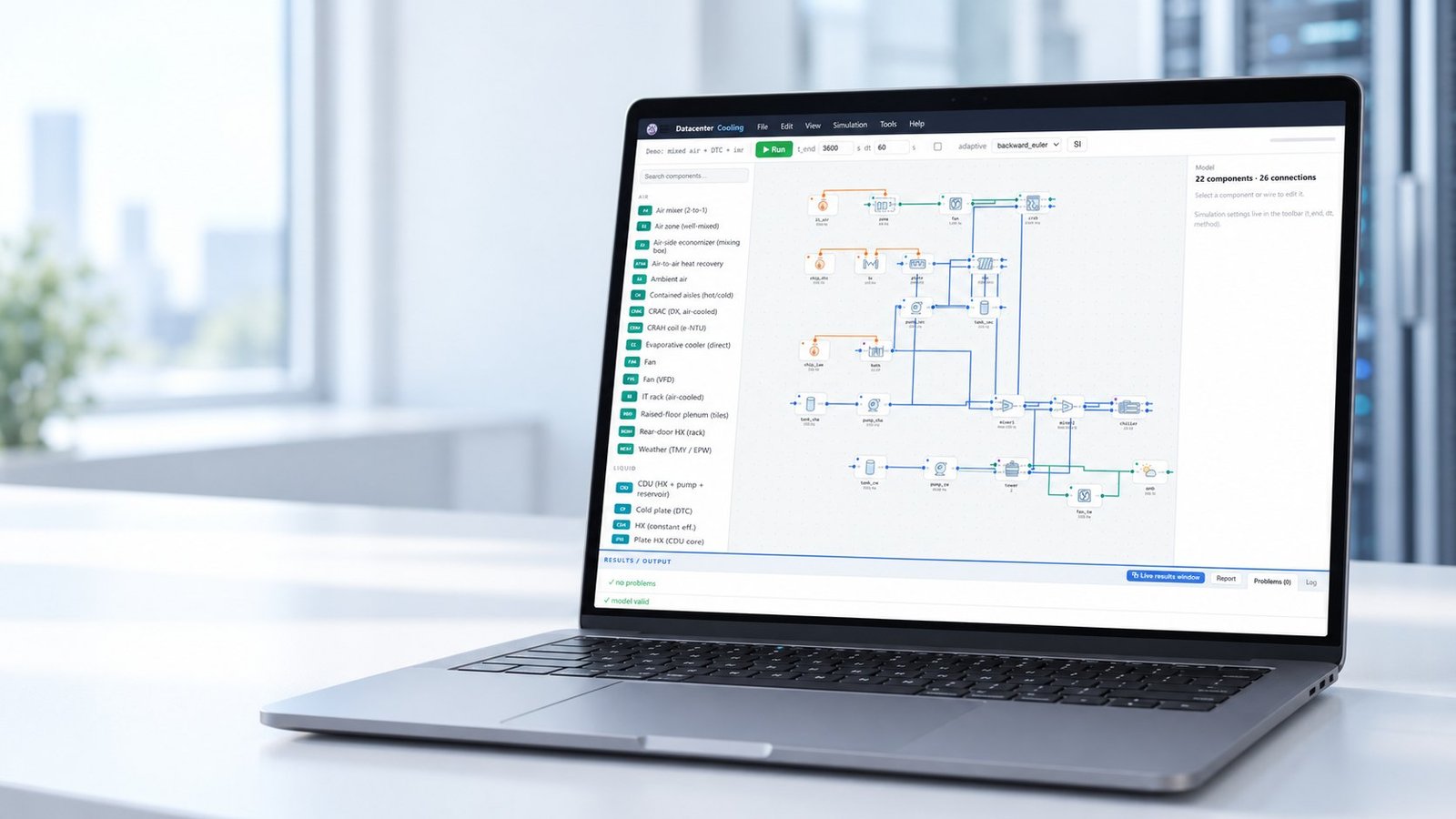
For repeated design studies, Multi Optimization can coordinate TRNSYS plant dynamics, COMSOL room models, and EES equipment equations. After you cover the workload and climate space, an AI or PINN surrogate can reduce repeated evaluation time without hiding the original model boundaries.
See also: TRNSYS Energy System Simulation Explained
How do you separate model evidence from field measurement?
Treat simulation as model evidence and telemetry as field measurement. ASHRAE TC 9.9, Fifth Edition, Chapter 4.4, “Cooling Simulation,” supports using simulation to evaluate cooling behavior, but a simulation result is not a measured facility response.
Your validation record should identify the measured sensors, time window, boundary conditions, and error metric. Compare inlet temperature, supply temperature, flow, power, and control state at the same timestamps. Report bias and error instead of showing only a visually similar curve.
For AI rack heat load calculation, validate the workload-to-heat mapping separately from the room model. A good rack-power estimate can still produce a bad inlet-temperature prediction if airflow paths, liquid heat fraction, or control delays are wrong. Use cfd software when spatial coverage and sensor placement need more resolution.
- Define the air-side and liquid-side heat boundary. Failure mode: double-counting heat that leaves through the CDU loop.
- Choose the step, schedule, or workload trace. Failure mode: using an average load that erases the peak event.
- Run the named climate and control sequence. Failure mode: sizing from a room-only case that ignores heat-rejection response.
- Compare predicted and measured signals. Failure mode: calling a model validated without a stated error metric.
- Record peak, threshold time, annual energy, and validation error. Failure mode: reporting only a single cooling-capacity number.
Frequently asked questions about cooling load calculation
Is a data center cooling load calculator enough for equipment selection?
Use it for screening and boundary checks. Equipment selection needs model-specific rating conditions, peak timing, redundancy, controls, and manufacturer data.
What is the difference between static and transient cooling load?
A static load gives capacity at one condition. A transient load shows how temperature, equipment, controls, and thermal storage respond over time.
How should liquid-cooled rack heat enter the model?
Split the rack power between heat retained in the room and heat rejected through the liquid loop. Document the fraction and its destination.
What is the practical choice for your cooling study?
Use a static heat balance to screen options. Escalate to transient modeling when workload steps, weather, liquid heat rejection, or control response can change before the thermal system settles. Require peak inlet temperature, threshold time, annual cooling energy, and validation error before treating the result as procurement evidence.
Multi Optimization Admin recommends starting with a transparent boundary and adding complexity only where it changes the decision. For a complete workflow covering data center cooling systems, connect the load event, plant model, rack distribution, and measured validation record.